Since English is not the author's native language, the English documentation has been AI-assisted translated and may contain errors. If you find the English documentation difficult to understand, please refer to the Chinese version and use translation tools or AI to help with translation and understanding.
Quick Start
This document guides you from scratch to quickly set up and use AgBox.
Prerequisites
- Operating System: Linux (
AgBoxwas developed with cross-platform considerations, and theoretically can run on any operating system, but has only been tested on Ubuntu 22.04. Other platforms may have compatibility issues.) - Prerequisites:
git. Just ensuregitis installed on the system. TheAgBoxinstallation script will automatically handleuv,Python, and other dependencies (completely independent, will not affect the existing environment). - In the
Asynchronous Coordinatorproject task,digital employees/coordinators use theworktreesmechanism during execution. It is recommended to set globalemailandnameforgit. If this configuration does not exist, theworktreesmechanism will be affected.AgBoxdoes not automatically configure these settings. (As it may interfere with users' normal git usage, and any changes would be made without the user's awareness.)
bash
git config --global user.email "<your_email@example.com>"
git config --global user.name "<your_name>"- Network Environment: Ensure your network environment is normal and can access the internet and
Githubproperly.
Install AgBox
One-Click Deployment
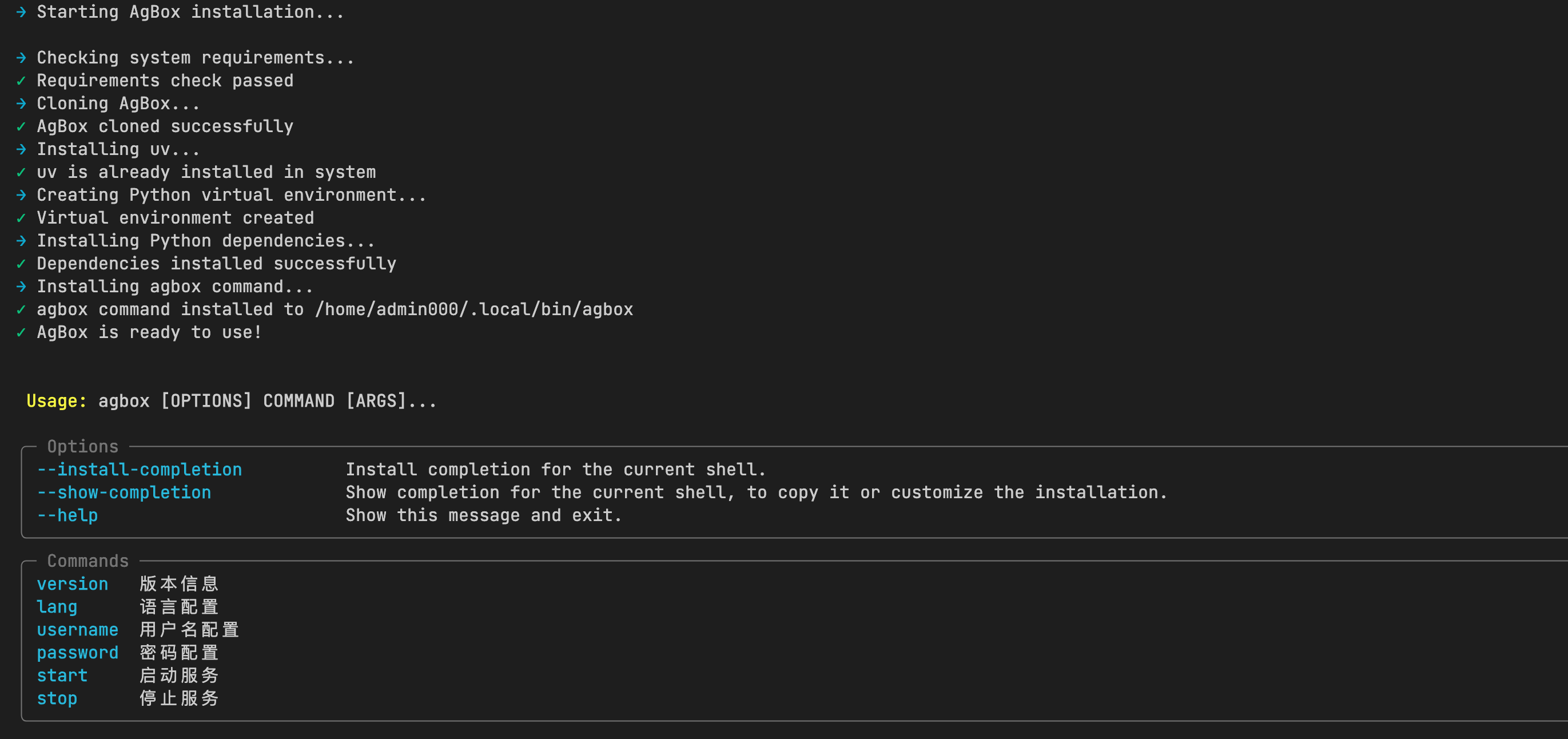
Install with a single command, fully automated, finally installed in the ~/.agbox directory.
bash
curl -fsSL https://raw.githubusercontent.com/tdragon6/AgBox/refs/heads/main/install.sh | bash- After installation is complete, you can use the
agboxcommand to start theAgBoxservice.
Docker Deployment
- Clone the repository to local
~/.agbox
bash
git clone https://github.com/tdragon6/AgBox.git ~/.agbox- Enter the
~/.agboxdirectory and usedocker.shto start the docker service
bash
cd ~/.agbox
chmod +x docker.sh
./docker.sh --help- The image has built-in common dependencies and environments for Agents to perform routine operations in the container. See
Dockerfilefor details. Dockermode is only for initial use and experience. The container may lack certain tools or dependencies that the Agent can call. For in-depth use:- Modify
Dockerfileto rebuild an environment that meets your needs - Use
One-Click DeploymentorManual Deploymentto ensure the runtime environment is local
- Modify
- Image name:
tdragon6/agbox:latest - Note:When starting in Docker mode, if you are not running as the
rootuser, you need to runsudo chown -R 777 <local mounted directory>each time before you operate the mounted directory, otherwise you may encounter permission issues.
Manual Deployment
- Ensure
Pythonversion:3.11.15or above - Clone the repository to local
~/.agbox
bash
git clone https://github.com/tdragon6/AgBox.git ~/.agbox- Install
Pythondependencies
bash
cd ~/.agbox/backend
uv sync # or pip install -r requirements.txt- Start the
AgBoxservice
bash
cd ~/.agbox/backend
python cli.py --help- Optional: Install the
AgBoxcommand, refer to theinstall_commandfunction ofinstall.sh
Update AgBox
Enter the ~/.agbox directory and execute git pull to update the code
bash
cd ~/.agbox
git pull
Using AgBox
Set Language
bash
agbox lang                      # agbox command
./docker.sh lang                # docker mode
python cli.py lang              # manual mode
agbox lang --lang <lang>        # non-interactive mode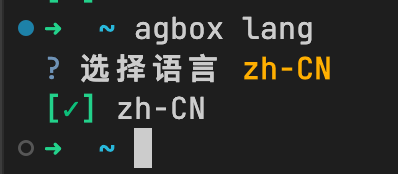
- The default language is
zh-CN, supporting bothzh-CNanden-USlanguages.
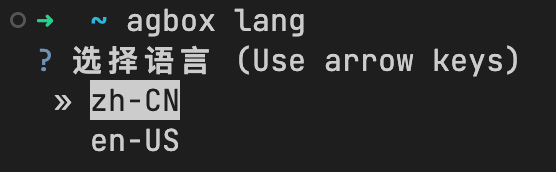
- Request logic prioritizes the frontend language configuration.
Set Username
bash
agbox username                          # agbox command
./docker.sh username                    # docker mode
python cli.py username                  # manual mode
agbox username --username <username>    # non-interactive mode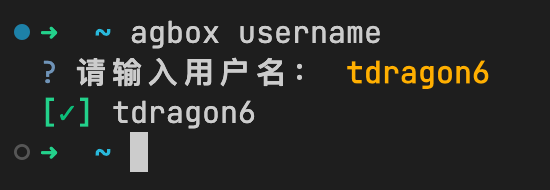
- The default username is
tdragon6.
Set Password
bash
agbox password                          # agbox command
./docker.sh password                    # docker mode
python cli.py password                  # manual mode
agbox password --password <password>    # non-interactive mode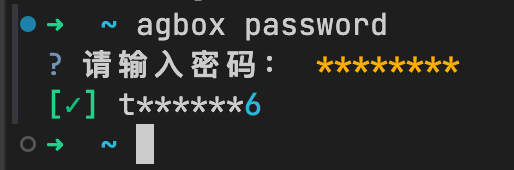
- The default password is empty. You cannot log in to
AgBoxwithout setting a password. - The password is encrypted and stored in
backend/env/.env.
Start Service
bash
agbox start                          # agbox command
./docker.sh start                    # docker mode
python cli.py start # manual mode- When starting in the foreground, the current configuration information will be printed.
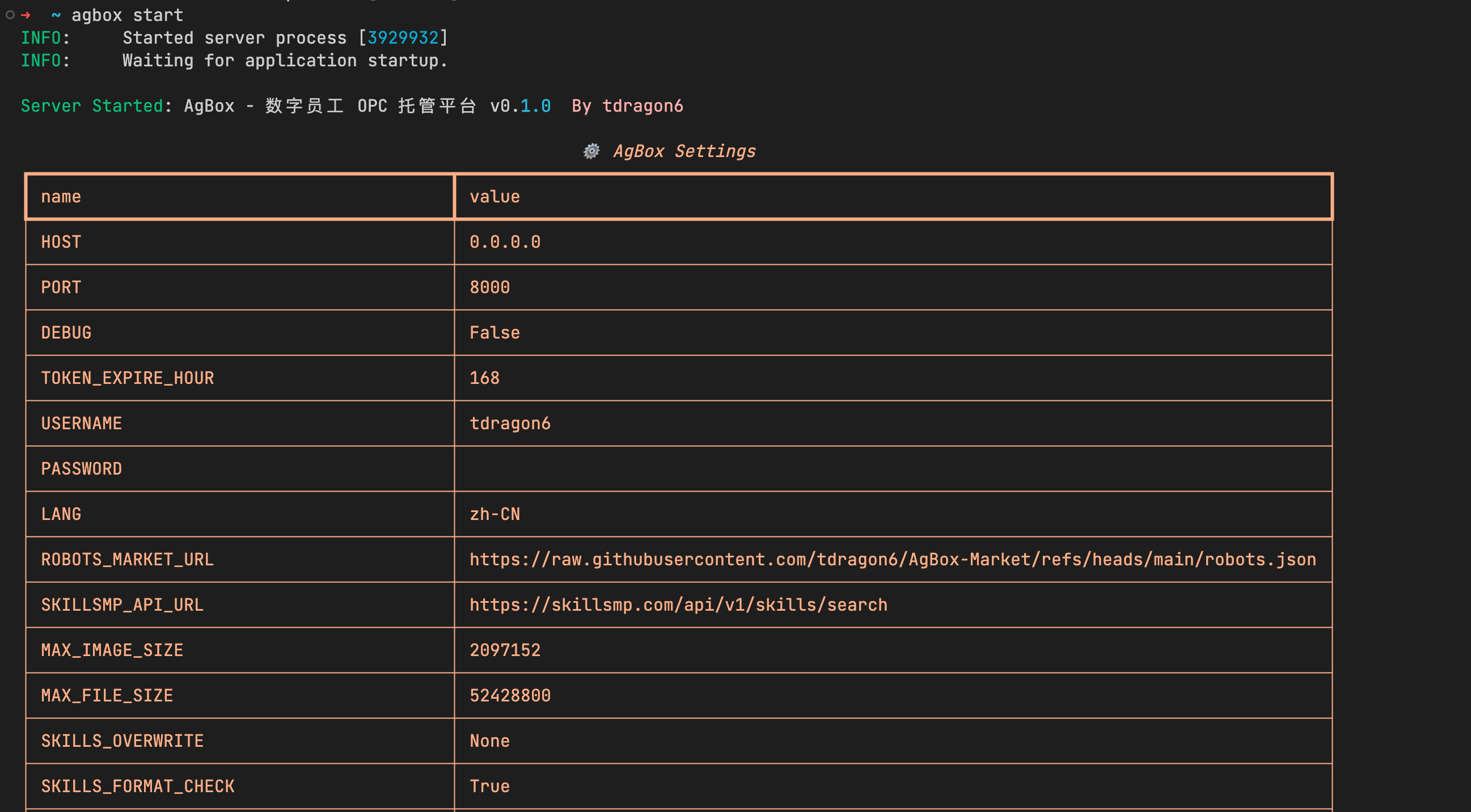
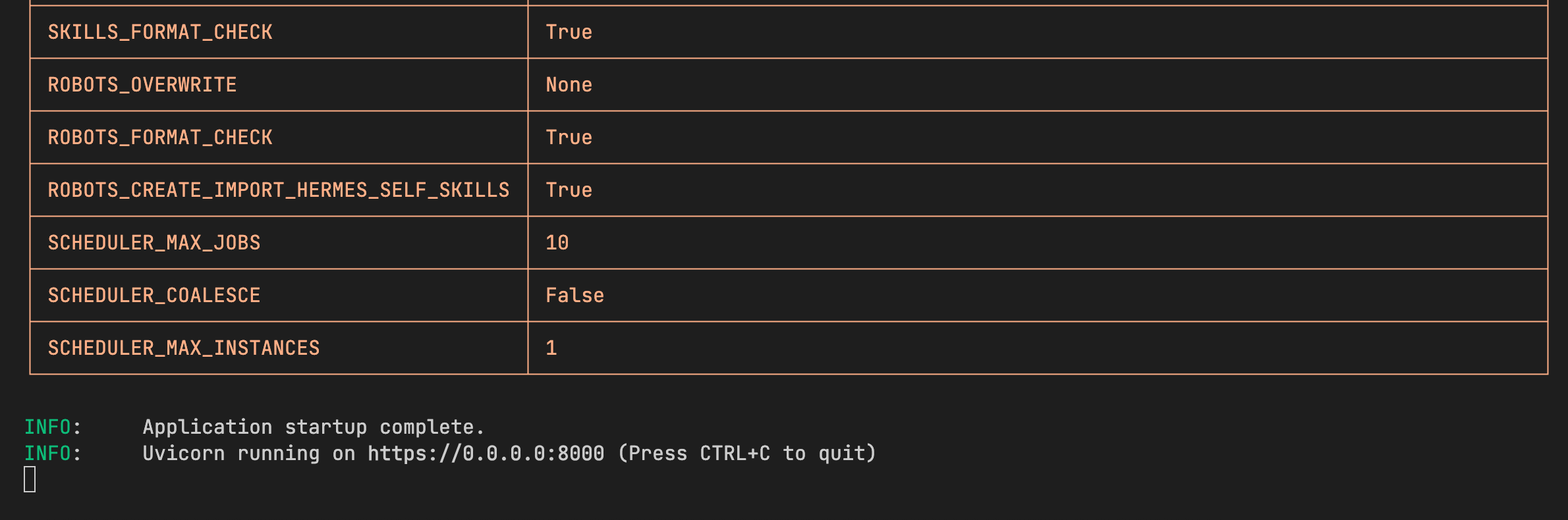
--daemon/-dparameter: Start the service in background mode without blocking the current terminal.
bash
agbox start -d- Docker mode does not support the
--daemon/-dparameter ofAgBox. Use docker's own background mode.
bash
./docker.sh -d start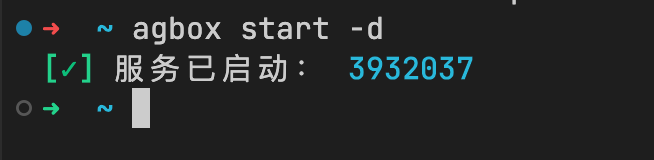
Stop Service
- In foreground mode,
Ctrl+CorCommand+Ccan stop the service. - In background mode, use the
stopsubcommand to stop the service (a cleanup process will be performed before exit).
bash
agbox stop                          # agbox command
python cli.py stop # manual mode- Docker background mode uses the container stop command and does not support the
stopsubcommand ofAgBox.
bash
docker stop <container_id>- The cleanup process will sequentially:
- Stop the scheduler
- Cancel running or waiting tasks
- Clear the
pidfile - Stop the service