
Scheduled Task
This page provides complete scheduled task management.
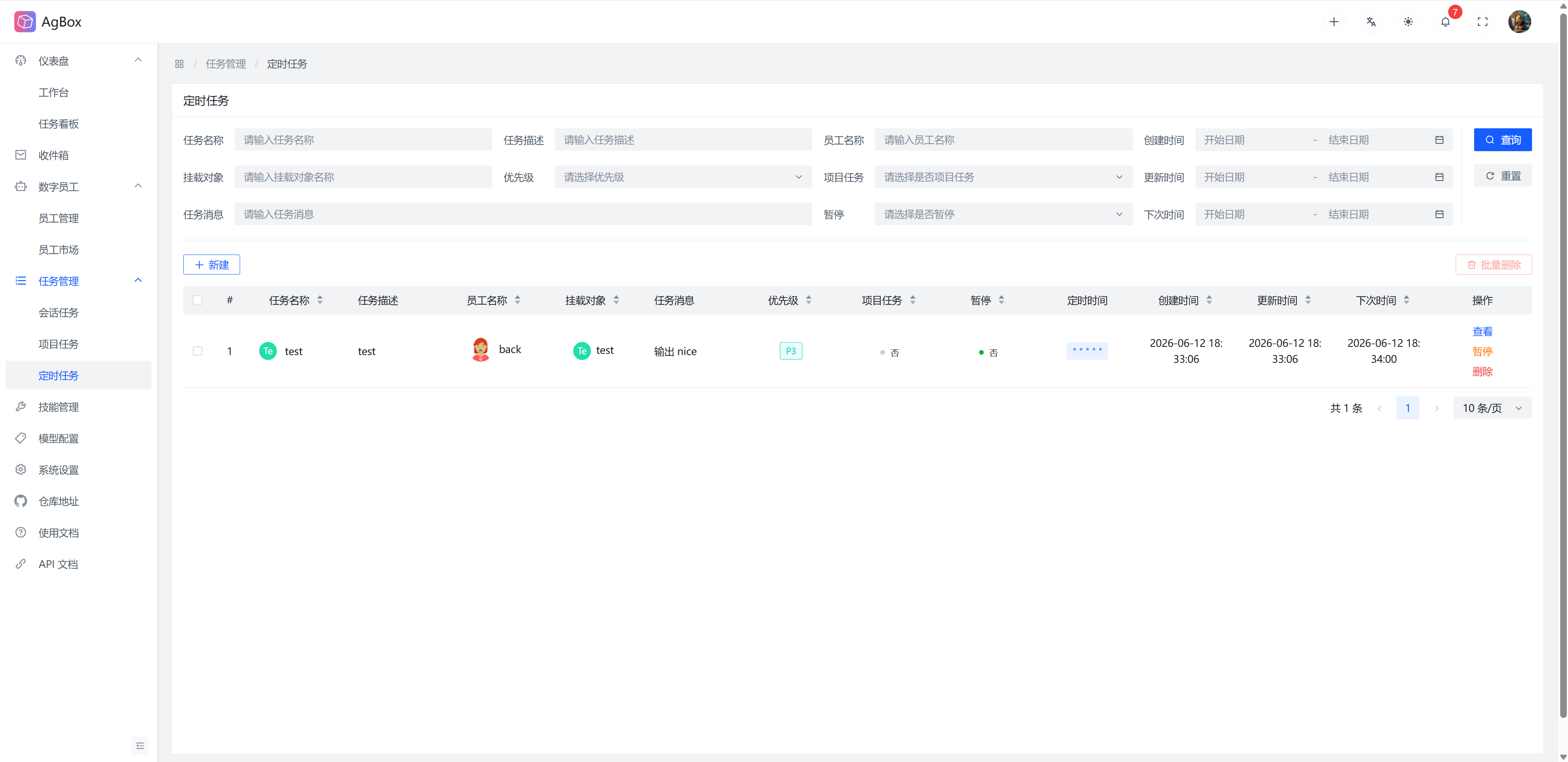
Field Description
Refer to Field Description - Scheduled Task
Search & Sort
- Supports searching by
Task Name,Task Description,Employee Name,Mount Target,Priority,Project Task,Task Message,Paused,Creation Time,Update Time, andNext Timefields.Prioritysupports multiple selection. - Supports sorting by
Task Name,Employee Name,Mount Target,Priority,Project Task,Paused,Creation Time,Update Time, andNext Timefields.
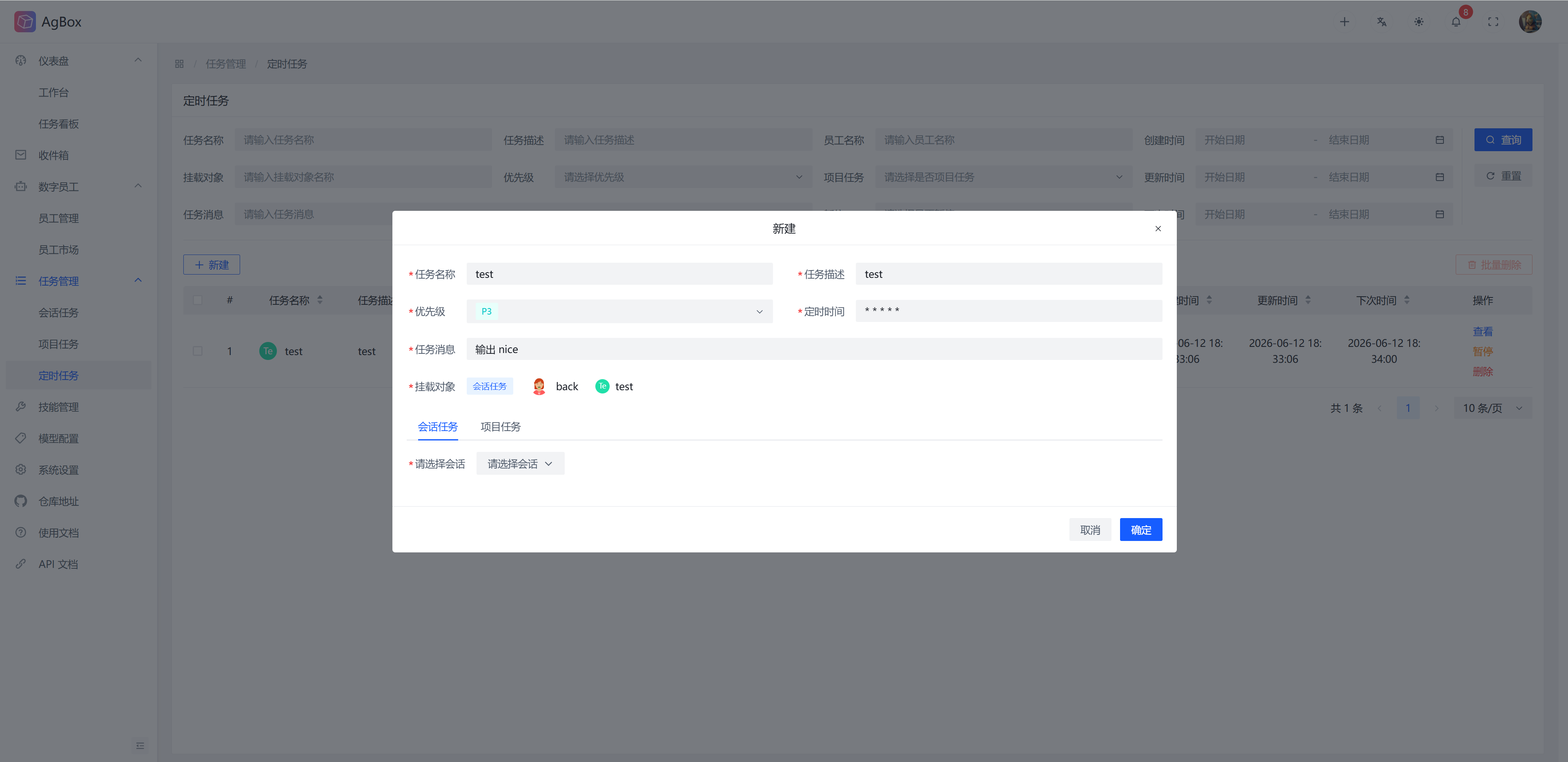
Create Scheduled Task
Fill in the corresponding fields and select the mount target (project/task) to create a scheduled task.
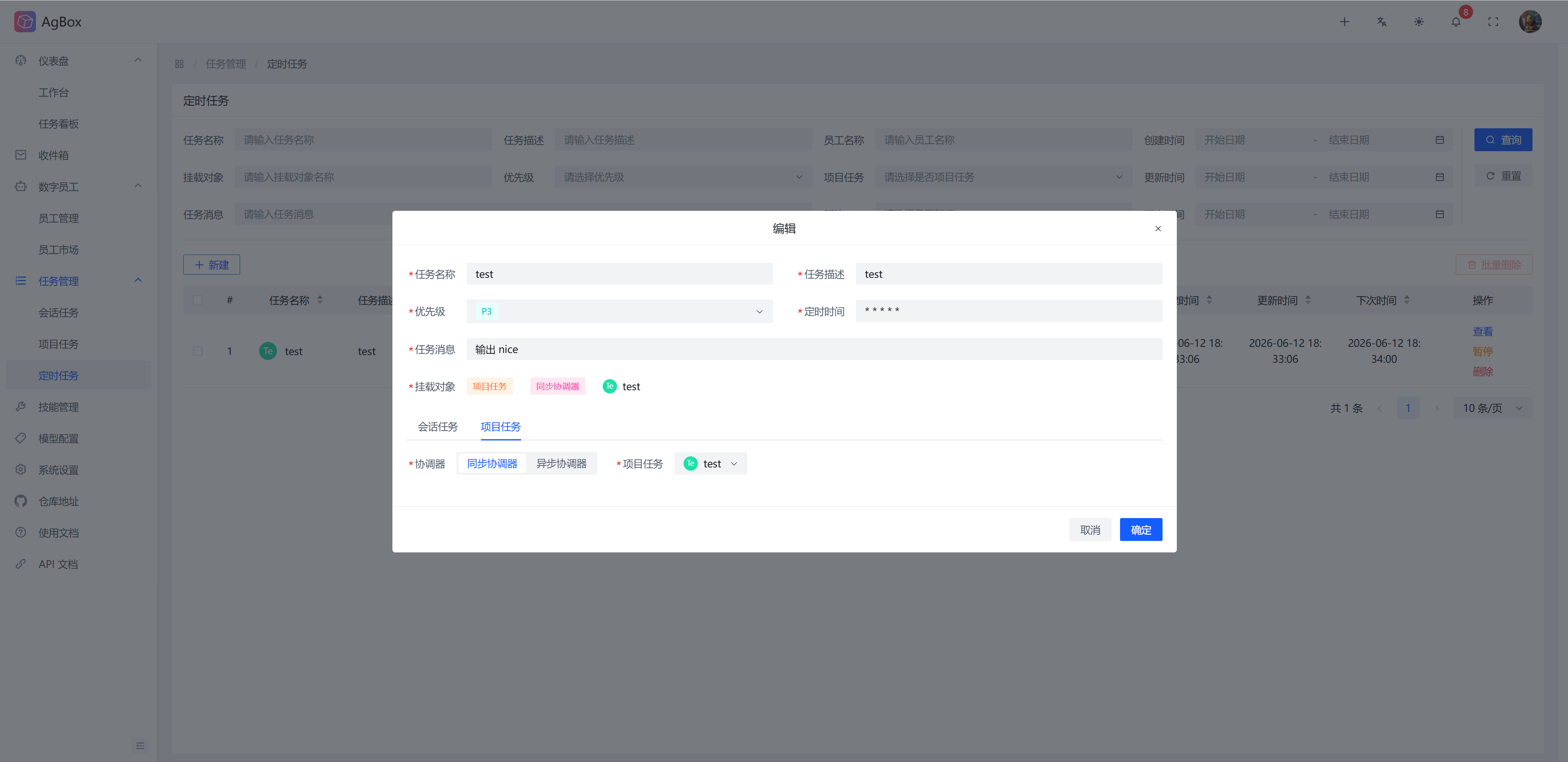
View Scheduled Task
You can view and edit scheduled task information at any time.
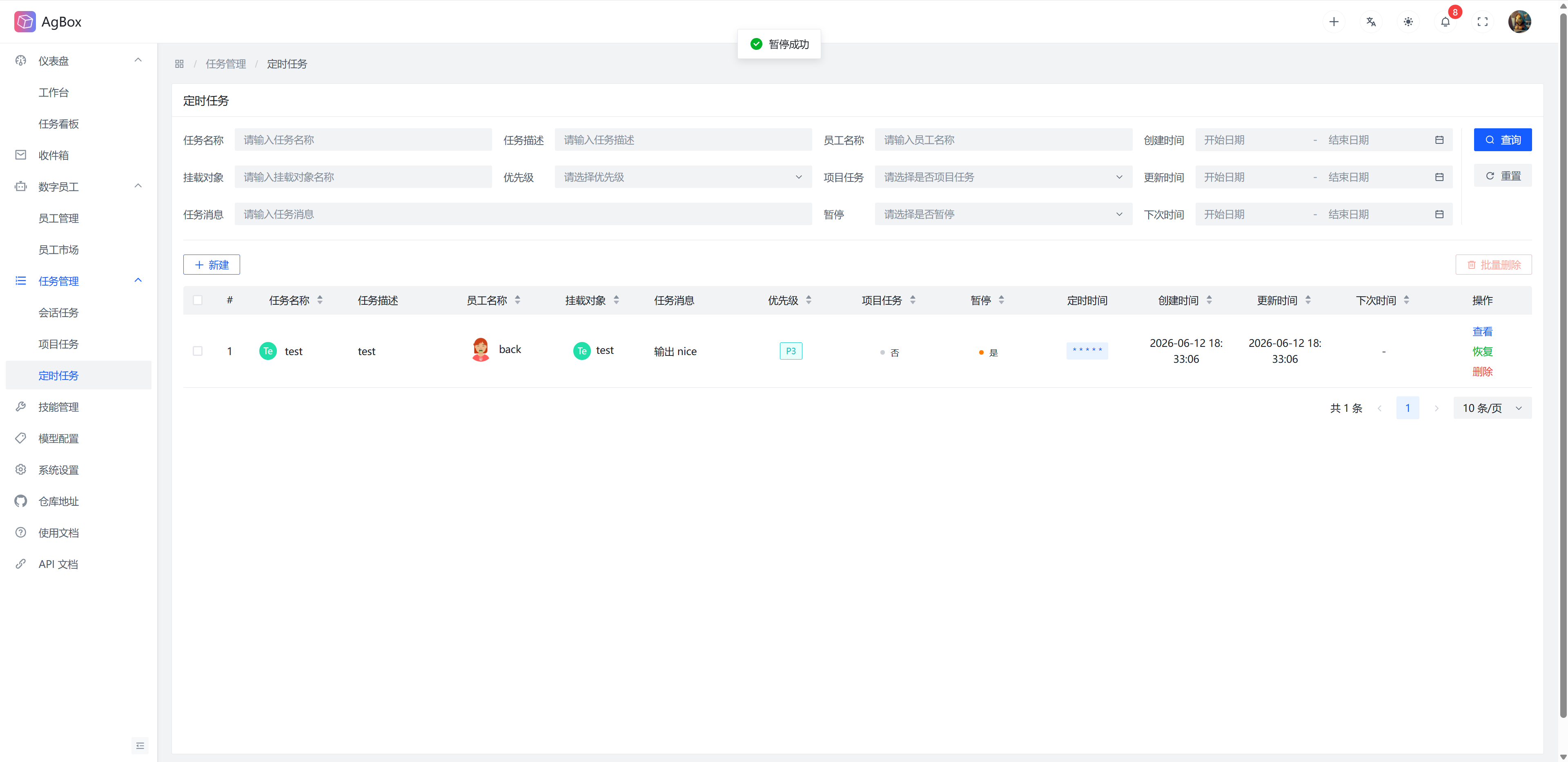
Pause Scheduled Task
You can pause or resume scheduled tasks at any time.
Delete Scheduled Task
Supports deleting/batch deleting scheduled tasks. Scheduled tasks in running/waiting status cannot be deleted.
Scheduled Task Execution
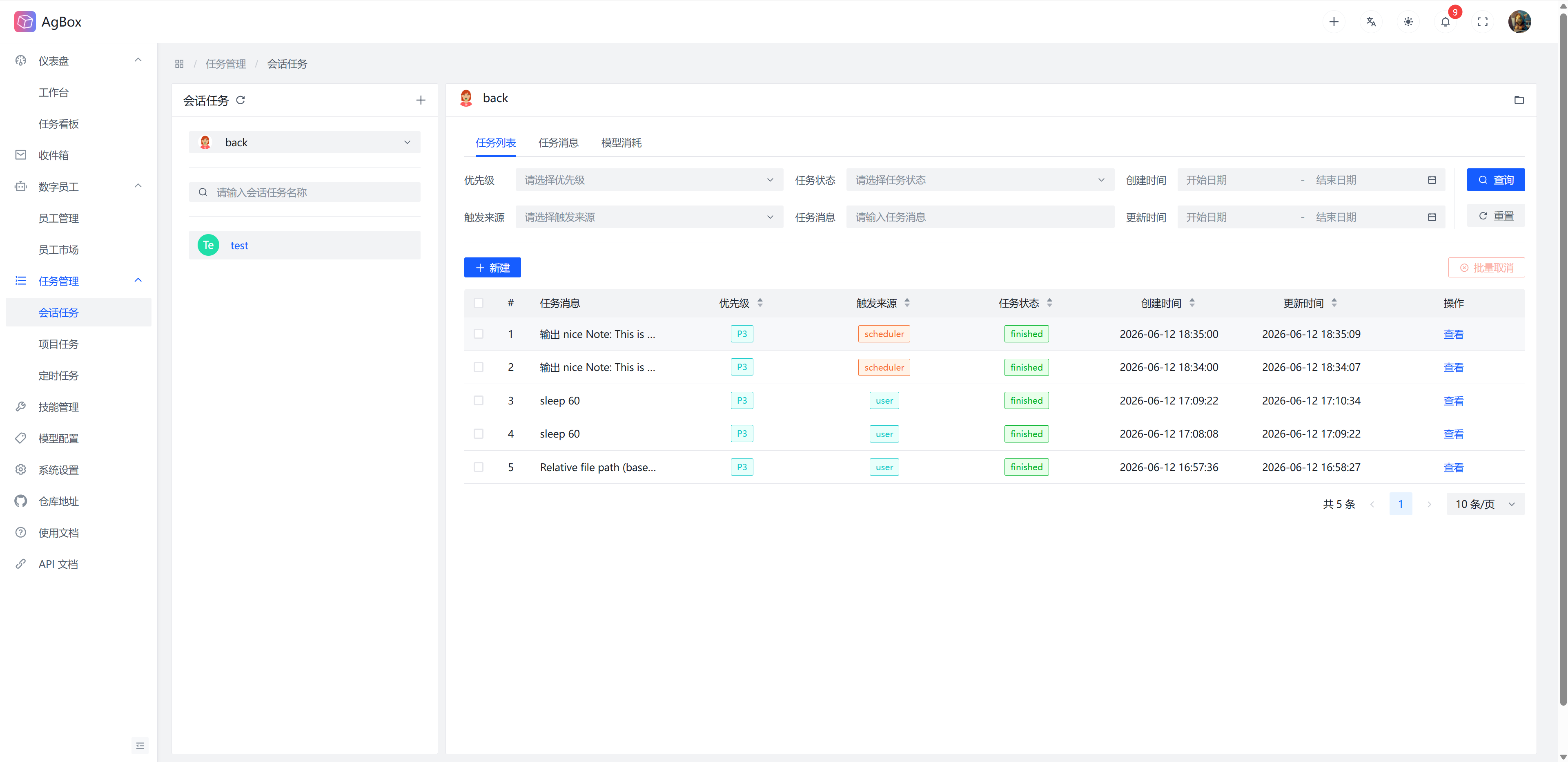
- The scheduler will execute tasks periodically according to the settings and the mounted object. Task execution will be displayed in
Session TaskorProject Task, withTrigger Sourceasscheduler. - For example, set a task to execute every minute:
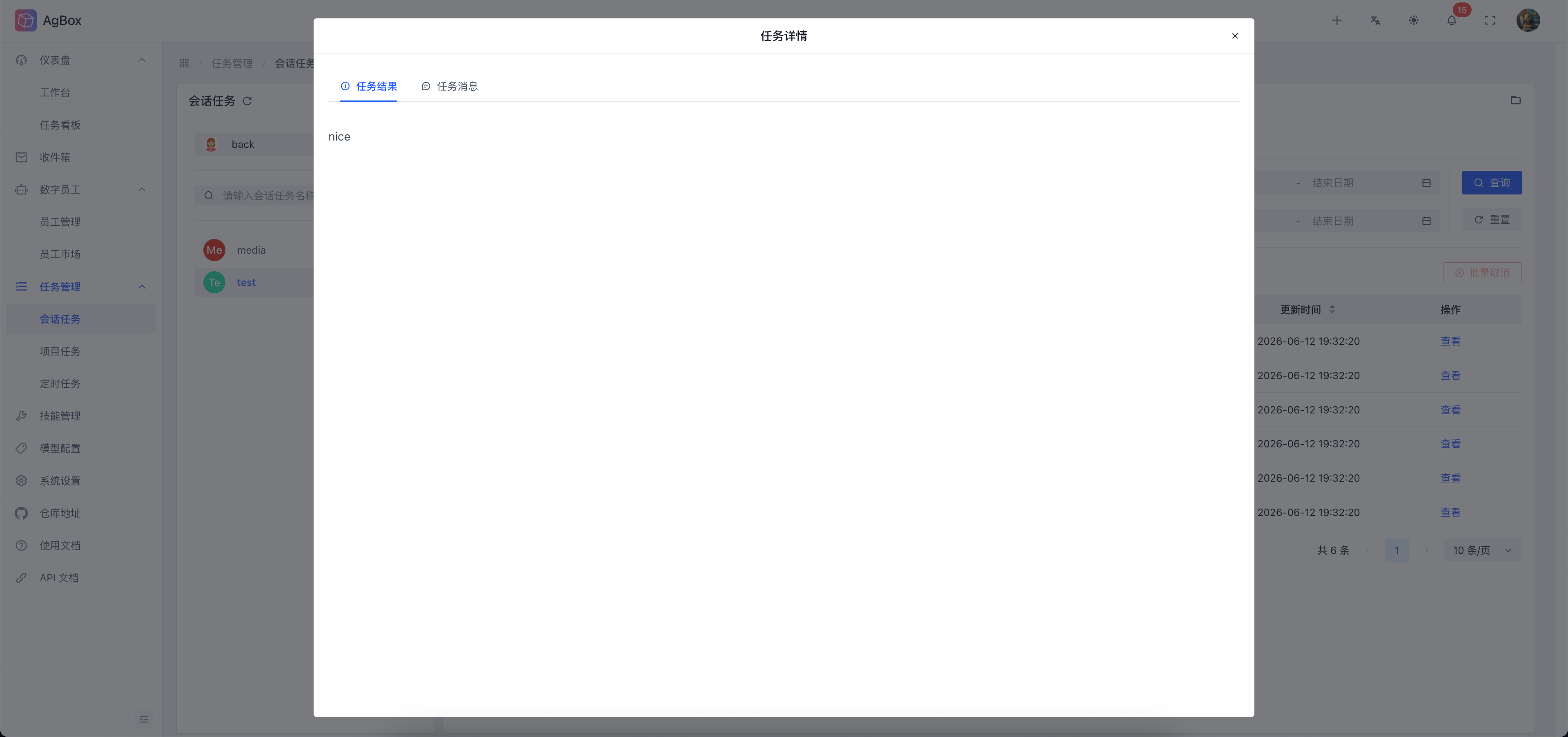
output nice, mounted to thetestsession task of thebackdigital employee. TheSession Taskdisplays as follows:
Advanced Settings
Refer to System Settings - Scheduled Task