
System Settings
This page provides complete system settings.
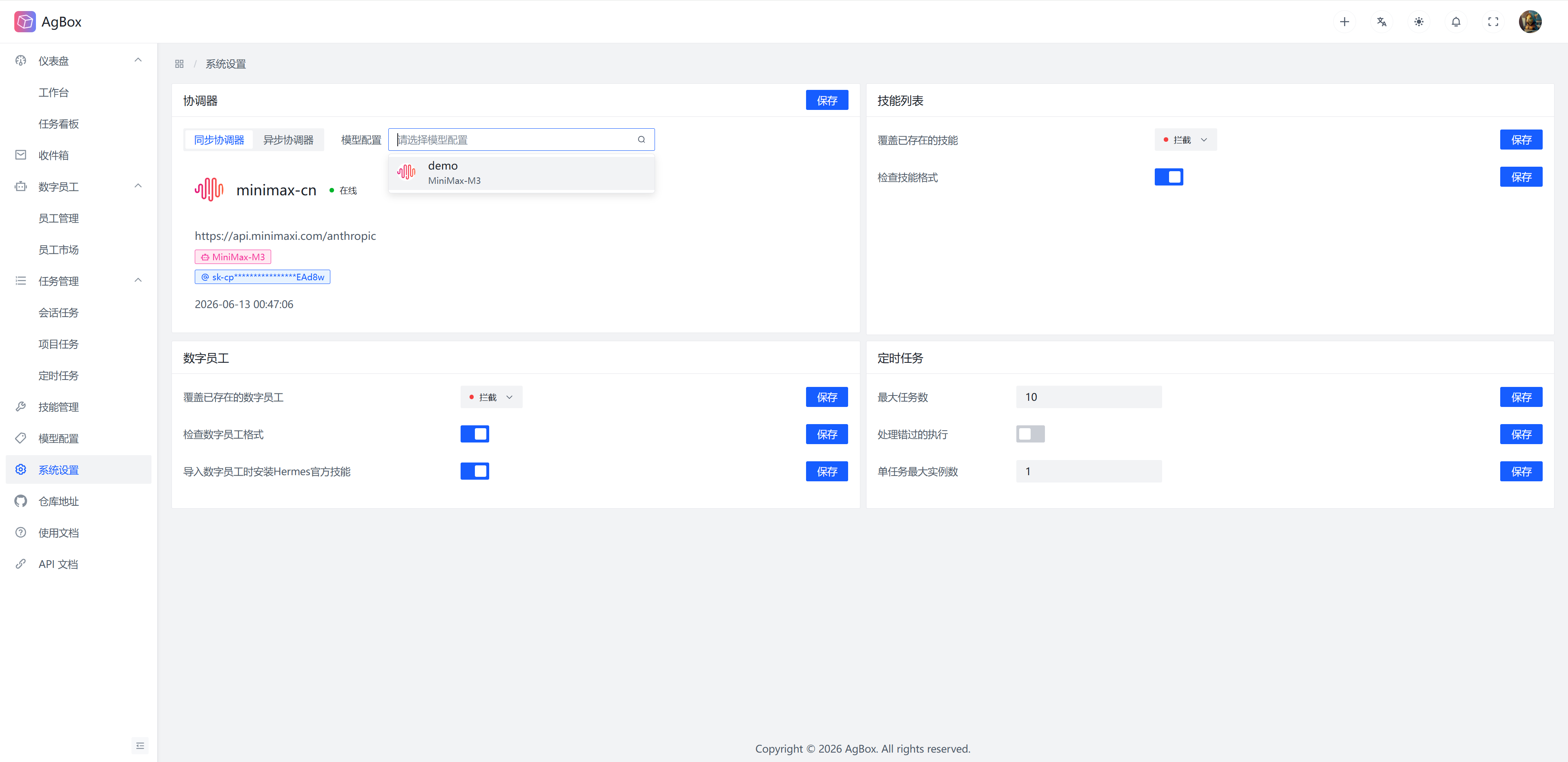
Coordinator Model Configuration
Set the models used by the two coordinators through existing model configurations, model configuration support search.
Skill List
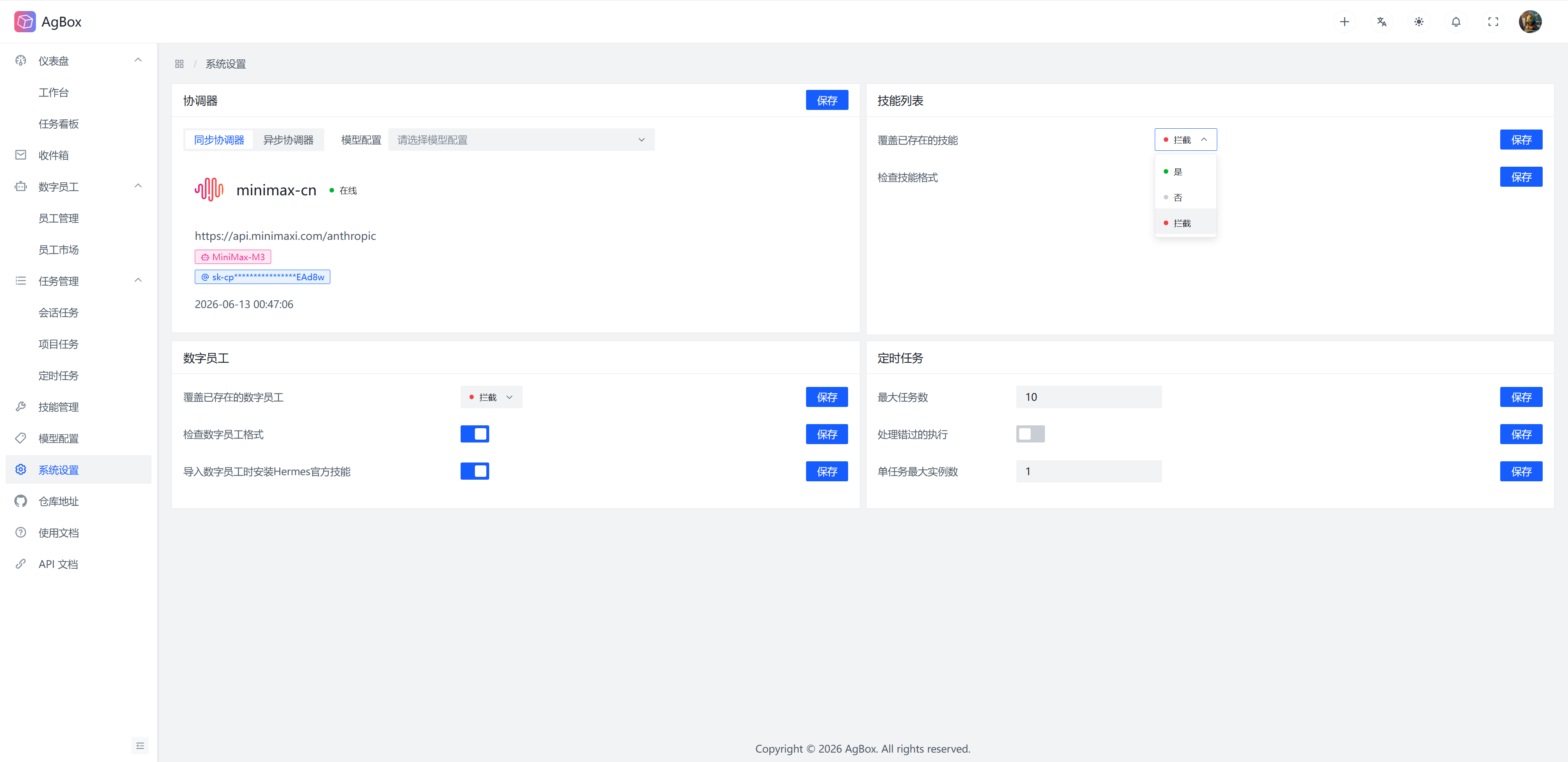
Overwrite Existing Skills: Whether to overwrite existing skills when importing skills. Default value isIntercept.Intercept: Intercept the import operation.Yes: Merge and overwrite existing skills.No: Do not overwrite existing skills, silently ignore.
Check Skill Format: Whether to check the skill format when importing skills. Default value isOn.On: Check the skill format, intercept directly if the format is incorrect.Off: Do not check the skill format, import directly.
Digital Employee
Overwrite Existing Digital Employees: Whether to overwrite existing digital employees when importing digital employees. Default value isIntercept.Intercept: Intercept the import operation.Yes: Merge and overwrite existing digital employees.No: Do not overwrite existing digital employees, silently ignore.
Check Digital Employee Format: Whether to check the digital employee format when importing digital employees. Default value isOn.On: Check the digital employee format, intercept directly if the format is incorrect.Off: Do not check the digital employee format, import directly (Note: This only skips checking therobot.jsonformat. For the consistency and integrity of the digital employee structure, if thesoul.mdfile,memoriesandskillsdirectories do not exist, the import will still be intercepted. The initialmemoriesdirectory can be an empty directory. Digital employees that do not need skills can have an emptyskillsdirectory.)
Install Hermes Official Skills When Importing Digital Employees: Whether to install Hermes official skills when importing digital employees. Default value isOn.On: Install Hermes official skills.Off: Do not install Hermes official skills.
Scheduled Task
Maximum Task Count: The maximum number of tasks the scheduler can execute. Default value is10.Process Missed Tasks: Whether the scheduler processes missed tasks (e.g., tasks that were not executed at the scheduled time due to reasons such as service shutdown). Default value isOff.On: Process missed tasks.Off: Do not process missed tasks.
Maximum Instances Per Task: The maximum number of instances that can execute simultaneously for the same configuration task in the scheduler. Default value is1.