Inbox
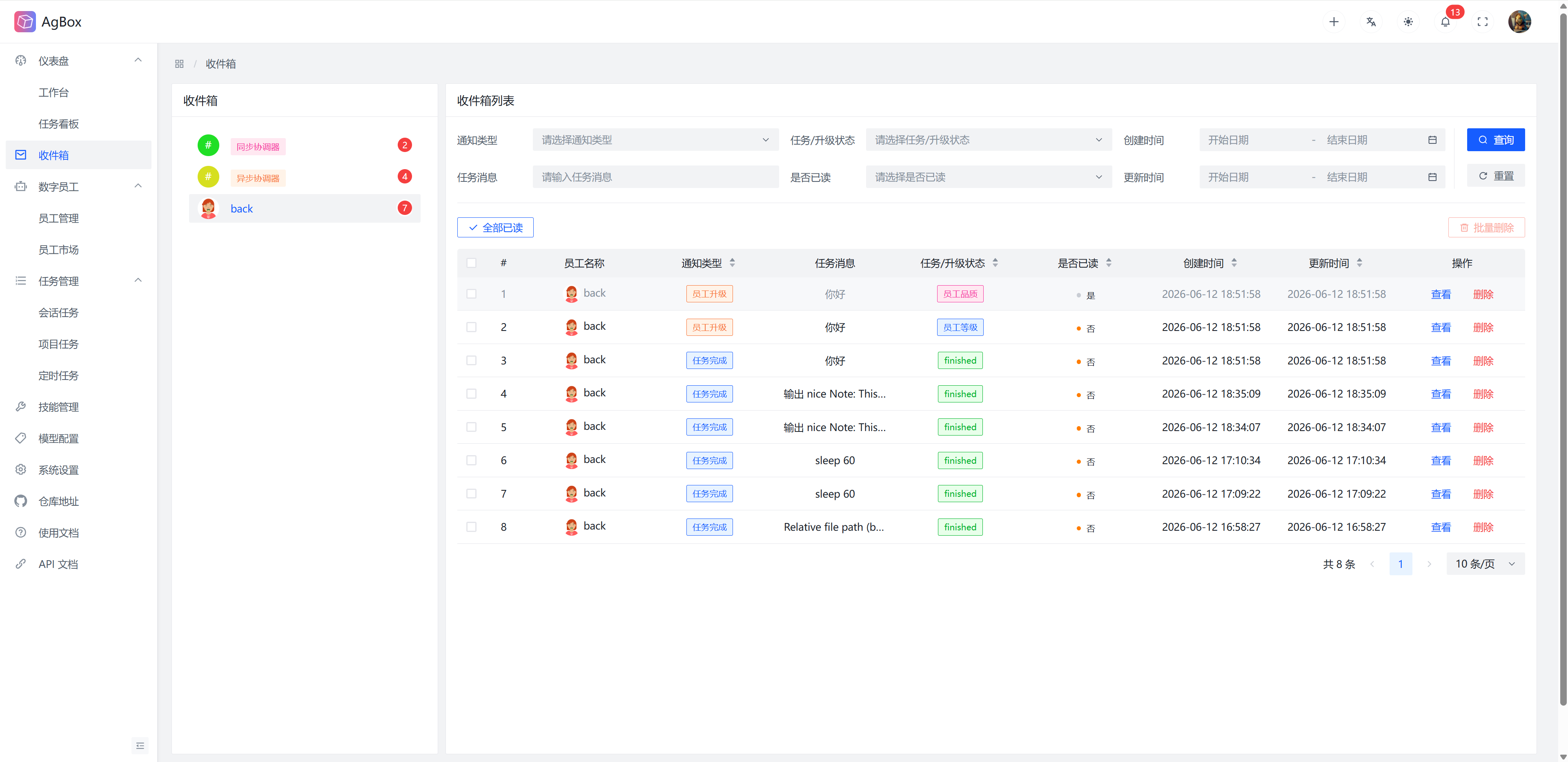
This page receives notifications for task completion and digital employee upgrades.
Field Description
Refer to Field Description - Inbox
Interface Layout
- The left side displays all digital employees/coordinators that have notification messages and their corresponding unread message counts.
- The right side shows the detailed notification information list of the selected digital employee/coordinator.
Search & Sort
- Supports searching by
Notification Type,Task/Upgrade Status,Task Message,Whether Task is Read,Creation Time, andUpdate Timefields.Notification TypeandTask/Upgrade Statussupport multiple selection. - Supports sorting by
Notification Type,Task/Upgrade Status,Whether Task is Read,Creation Time, andUpdate Timefields.
View Messages
Task Completiontype messages display task results.
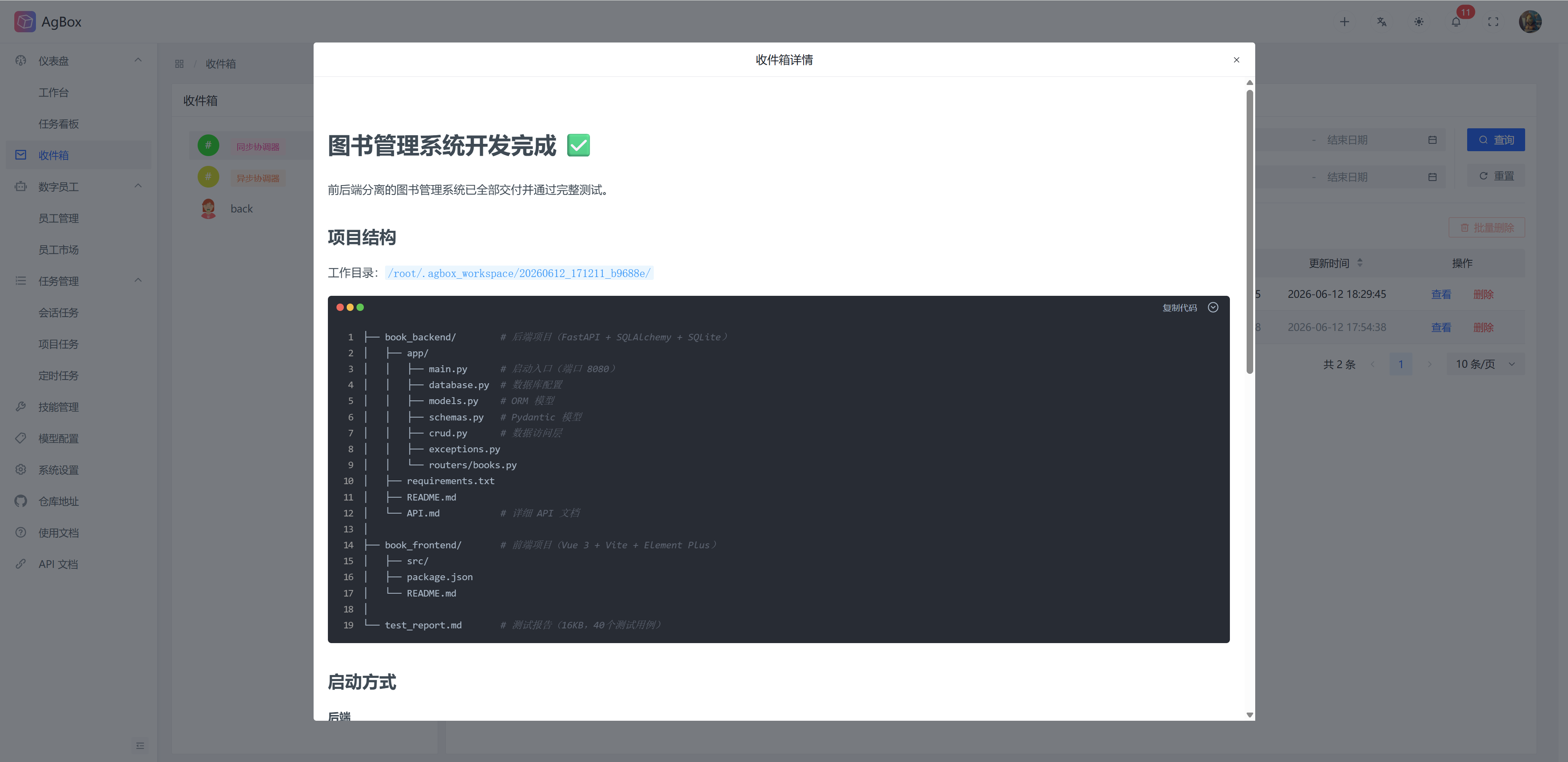
Employee Upgradetype messages display employee upgrade details.
- After viewing a message, the corresponding message will be marked as read.
Delete Messages
Supports deleting/batch deleting notification messages.
Mark All as Read
After marking all as read, all messages of the current digital employee/coordinator will be marked as read.