
快速开始
此文档带您从零开始快速搭建并使用 AgBox
前置准备
- 操作系统:Linux (
AgBox开发时考虑了跨平台,理论上可在任何操作系统上运行,但仅在 Ubuntu 22.04 上测试,其他平台可能会存在兼容性问题) - 前置依赖:
git,只需保证系统上已安装git即可,AgBox安装脚本会自动处理uv、Python和其他依赖(完全独立,不会影响现有环境) - 在
异步协调器的项目任务中,数字员工/协调器执行时会使用worktrees机制,建议git设置全局email和name,若不存在此配置,worktrees机制会受到影响。AgBox不集成自动设置此配置的功能(考虑到可能会影响后续用户正常git的使用,且自动修改后用户无法感知)。
bash
git config --global user.email "<your_email@example.com>"
git config --global user.name "<your_name>"- 网络环境:确保您的网路环境正常,可正常访问互联网和
Github
安装 AgBox
一键部署
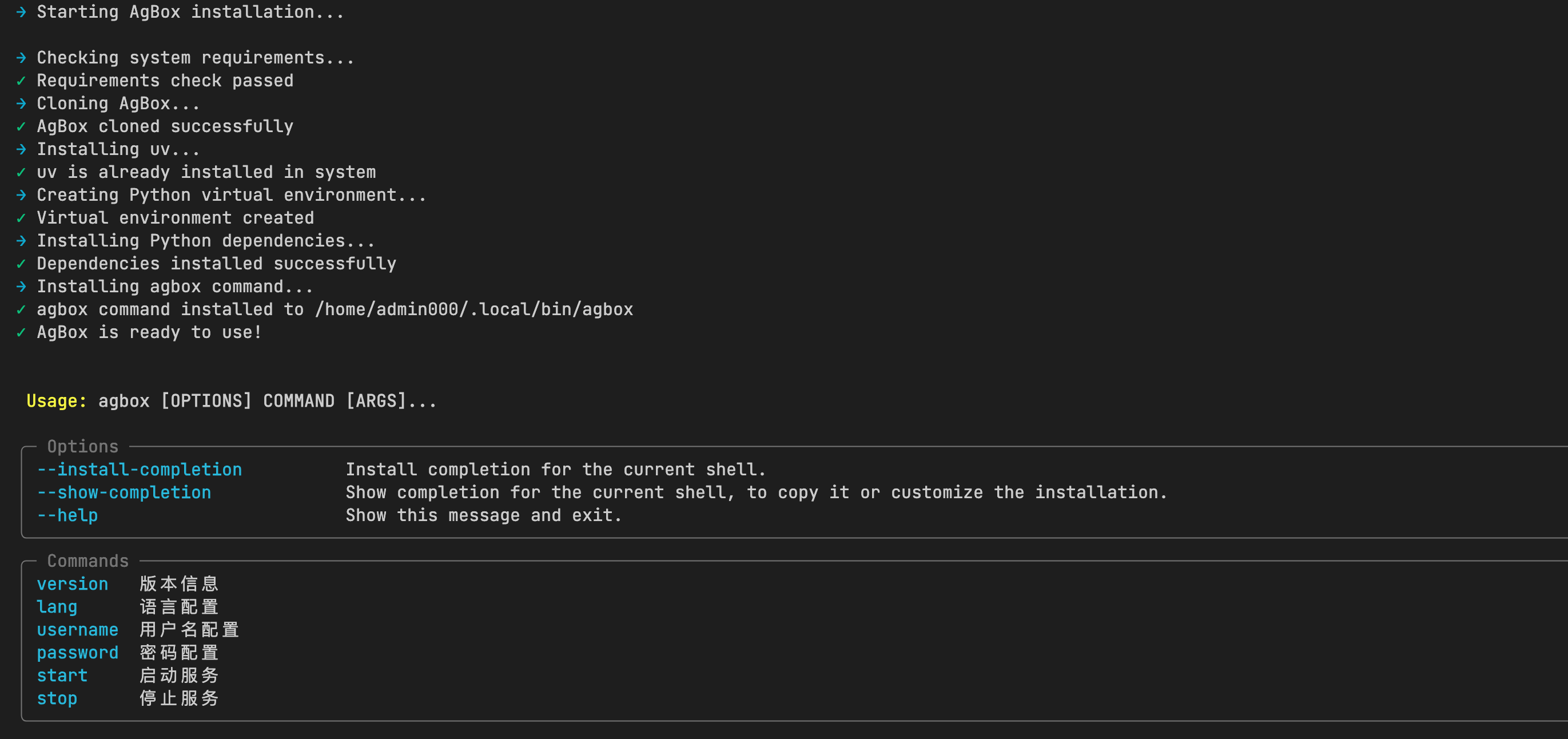
一行命令安装,全程自动化完成,最终安装至 ~/.agbox 目录
bash
curl -fsSL https://raw.githubusercontent.com/tdragon6/AgBox/refs/heads/main/install.sh | bash- 安装完成后,可使用
agbox命令启动AgBox服务
Docker 部署
- 克隆仓库至本地
~/.agbox
bash
git clone https://github.com/tdragon6/AgBox.git ~/.agbox- 进入
~/.agbox目录,使用docker.sh启动 docker 服务
bash
cd ~/.agbox
chmod +x docker.sh
./docker.sh --help- 镜像已构建常用依赖和环境,供Agent在容器中进行常规操作,详见
Dockerfile Docker方式仅供初步使用和体验,容器中可能缺少Agent可调用的某些工具或依赖,若要深度使用:- 修改
Dockerfile,重新构建符合自身需求的环境 - 使用
一键部署或手动部署,确保运行环境在本地
- 修改
- 镜像名称:
tdragon6/agbox:latest - 注意:
docker方式启动时,若当前用户不是root权限,则每次操作挂载的目录需要先执行sudo chown -R 777 <本地挂载目录>命令,否则无权限
手动部署
- 确保
Python版本:3.11.15及以上版本 - 克隆仓库至本地
~/.agbox
bash
git clone https://github.com/tdragon6/AgBox.git ~/.agbox- 安装
Python依赖
bash
cd ~/.agbox/backend
uv sync # 或 pip install -r requirements.txt- 启动
AgBox服务
bash
cd ~/.agbox/backend
python cli.py --help- 可选:安装
AgBox命令,参考install.sh的install_command函数
更新 AgBox
进入 ~/.agbox 目录,执行 git pull 更新代码
bash
cd ~/.agbox
git pull
使用 AgBox
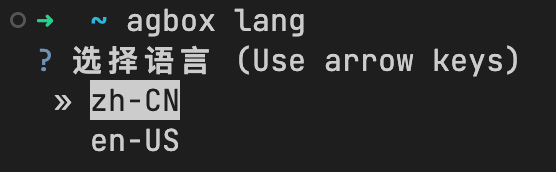
设置语言
bash
agbox lang                      # agbox 命令
./docker.sh lang                # docker 模式
python cli.py lang              # 手动模式
agbox lang --lang <lang>        # 非交互模式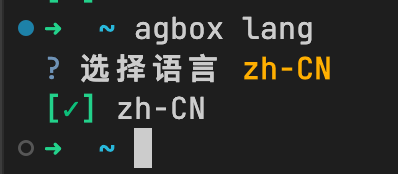
- 语言默认为
zh-CN,支持zh-CN和en-US两种语言
- 请求类逻辑优先识别前端的语言配置
设置用户名
bash
agbox username                          # agbox 命令
./docker.sh username                    # docker 模式
python cli.py username                  # 手动模式
agbox username --username <username>    # 非交互模式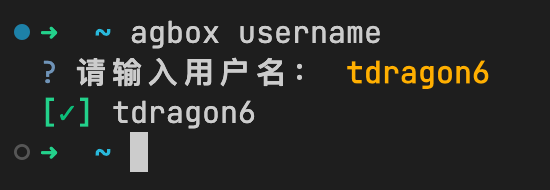
- 用户名默认为
tdragon6
设置密码
bash
agbox password                          # agbox 命令
./docker.sh password                    # docker 模式
python cli.py password                  # 手动模式
agbox password --password <password>    # 非交互模式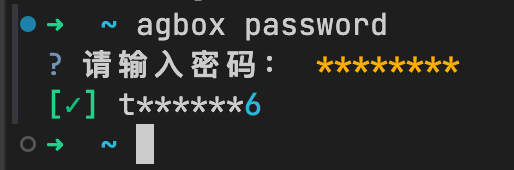
- 密码默认为空,未设置密码无法登录
AgBox - 密码加密存储在
backend/env/.env
启动服务
bash
agbox start                          # agbox 命令
./docker.sh start                    # docker 模式
python cli.py start # 手动模式- 前台启动时会打印当前配置信息
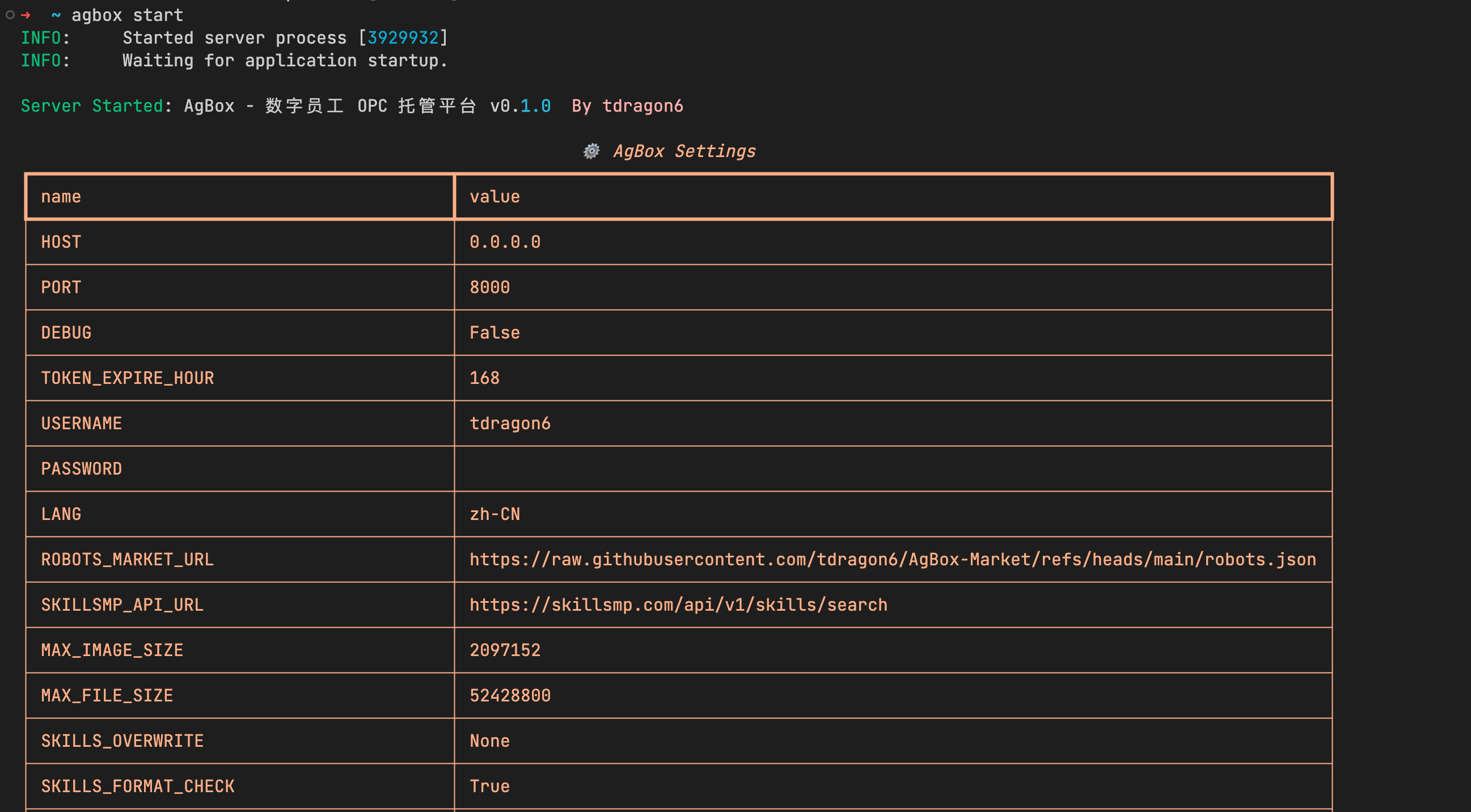
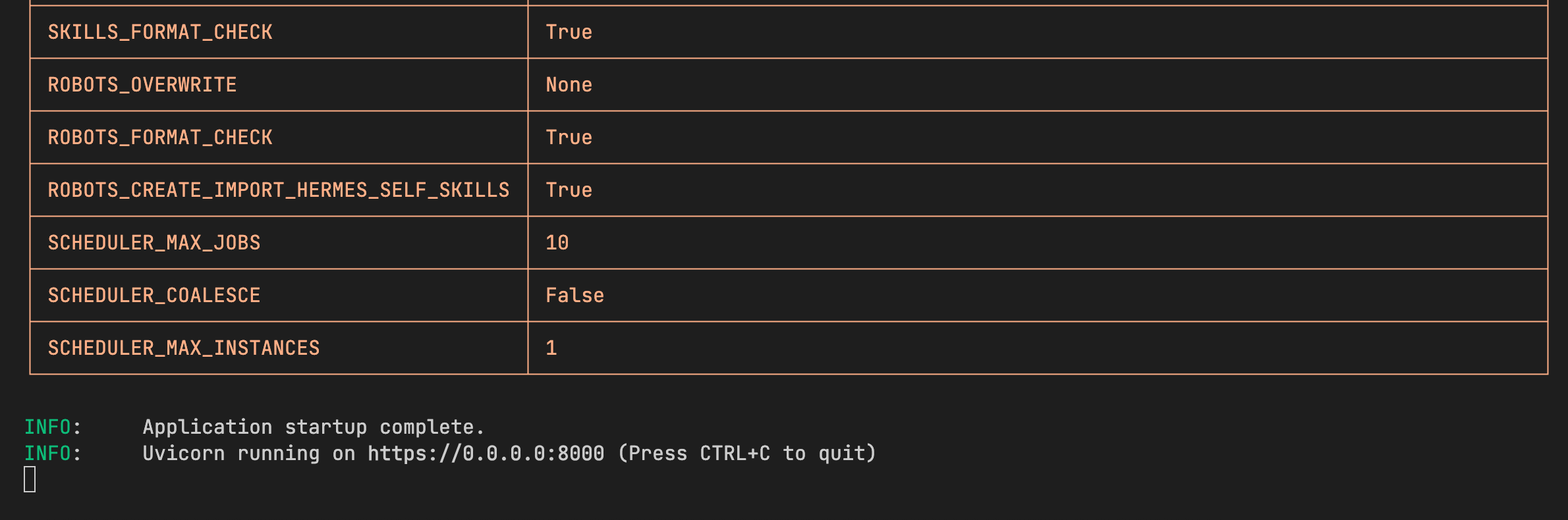
--daemon/-d参数:在后台模式下启动服务,不阻塞当前终端
bash
agbox start -d- docker 模式不支持
AgBox的--daemon/-d参数,使用 docker 自身的后台模式
bash
./docker.sh -d start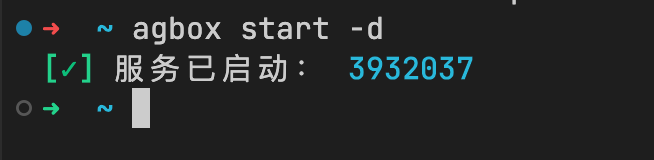
停止服务
- 前台模式
Ctrl+C或Command+C可停止服务 - 后台模式使用
stop子命令停止服务(会进行退出前的清理流程)
bash
agbox stop                          # agbox 命令
python cli.py stop # 手动模式- docker 后台模式使用容器停止命令,不支持
AgBox的stop子命令
bash
docker stop <container_id>- 清理流程会依次:
- 停止定时器
- 取消正在运行或等待的任务
- 清空
pid文件 - 停止服务