Model Configuration
This page provides complete model configuration.
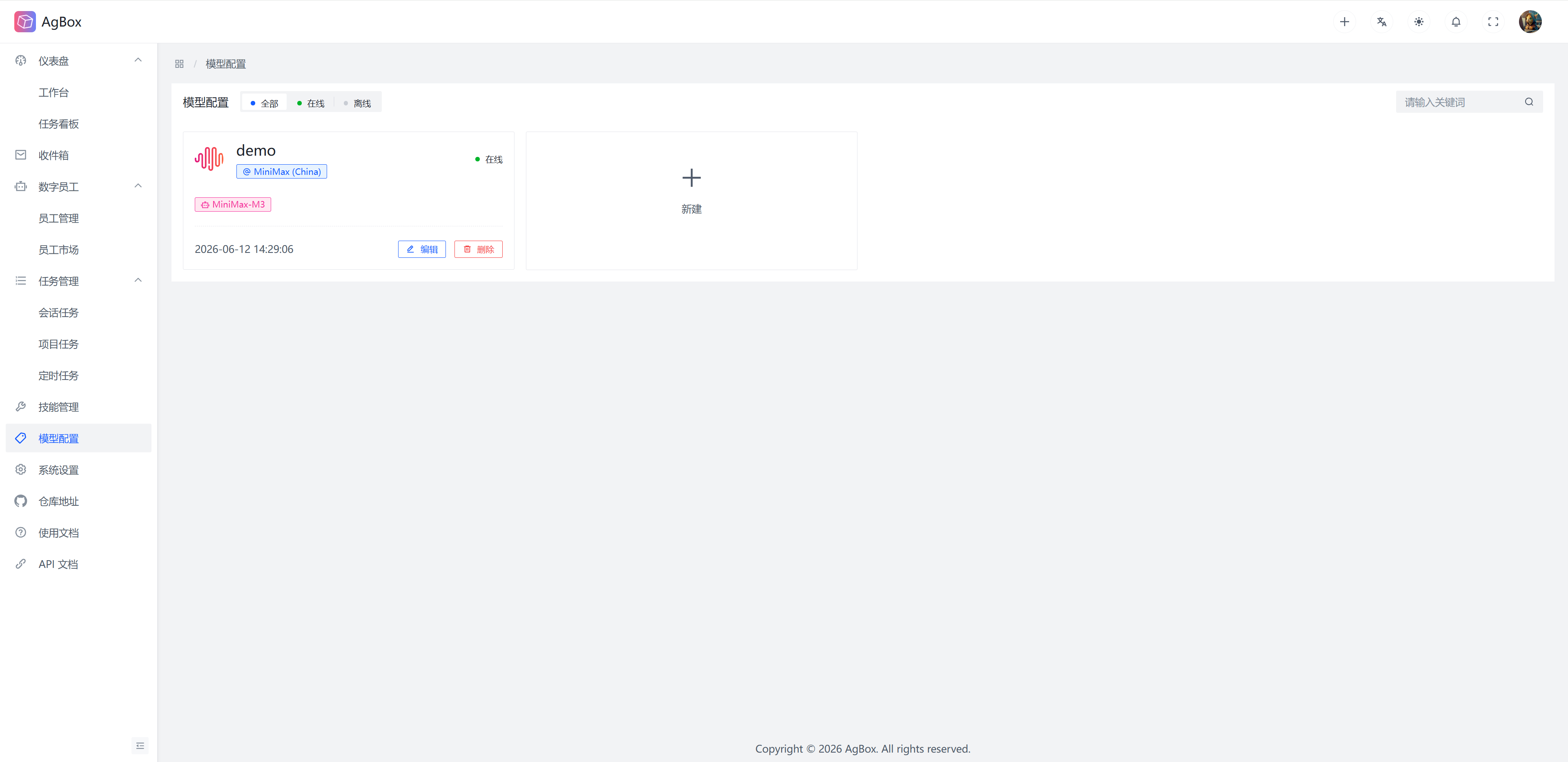
Model Configuration Card
The model configuration card displays the Configuration Name, Provider Name, Model Name, Online Status, and Update Time of existing model configurations.
Search
- Supports keyword search and online status filtering.
- Keywords match
Model Config ID,Model Config Name,Provider ID,Provider Name,Model Name,base_url.
Create/Edit Model Configuration
Creating/editing model configuration provides step-by-step guidance.
Step 1: Enter Model Configuration Name
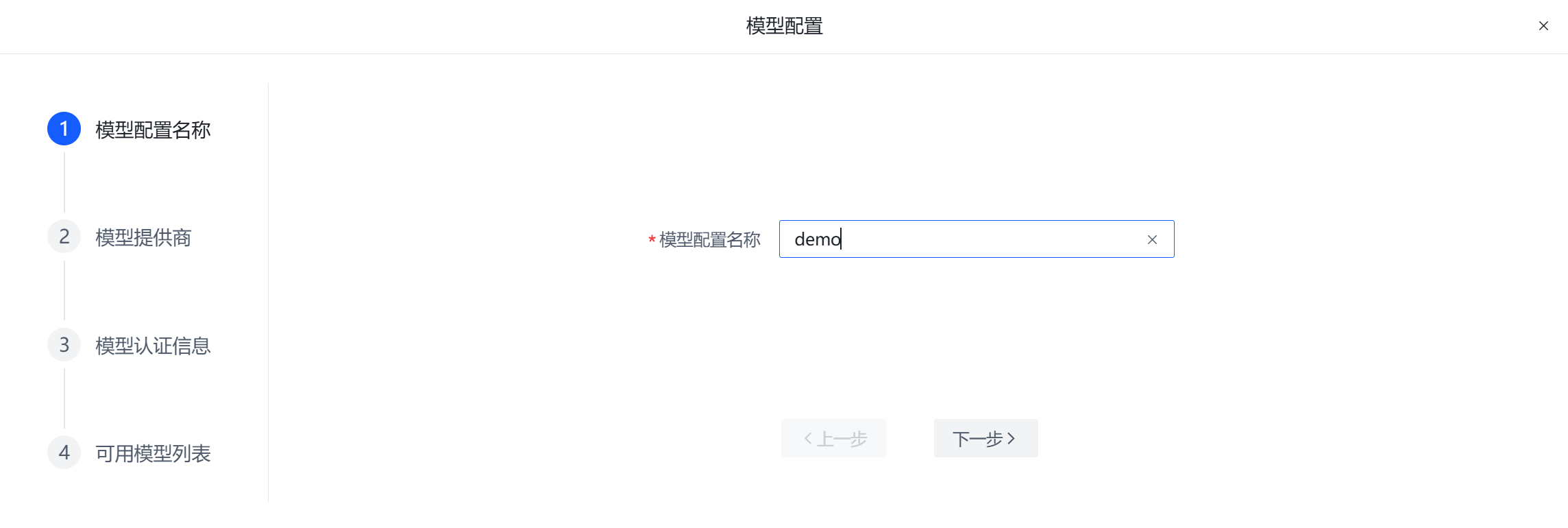
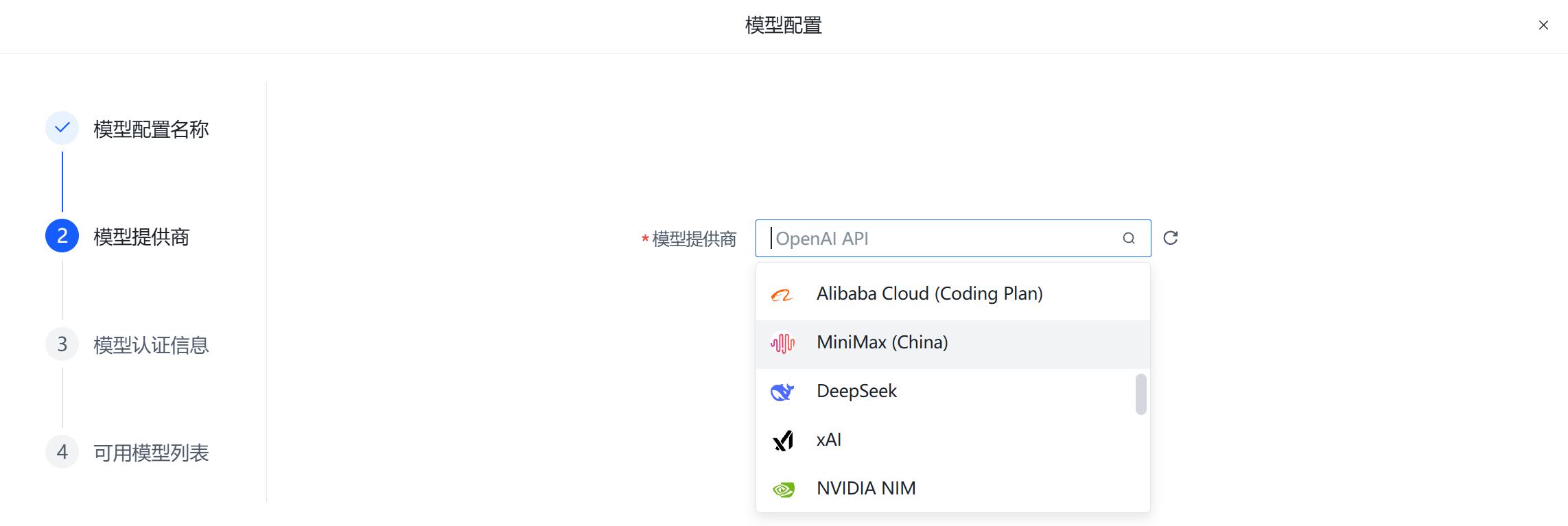
Step 2: Select Provider
Supports search
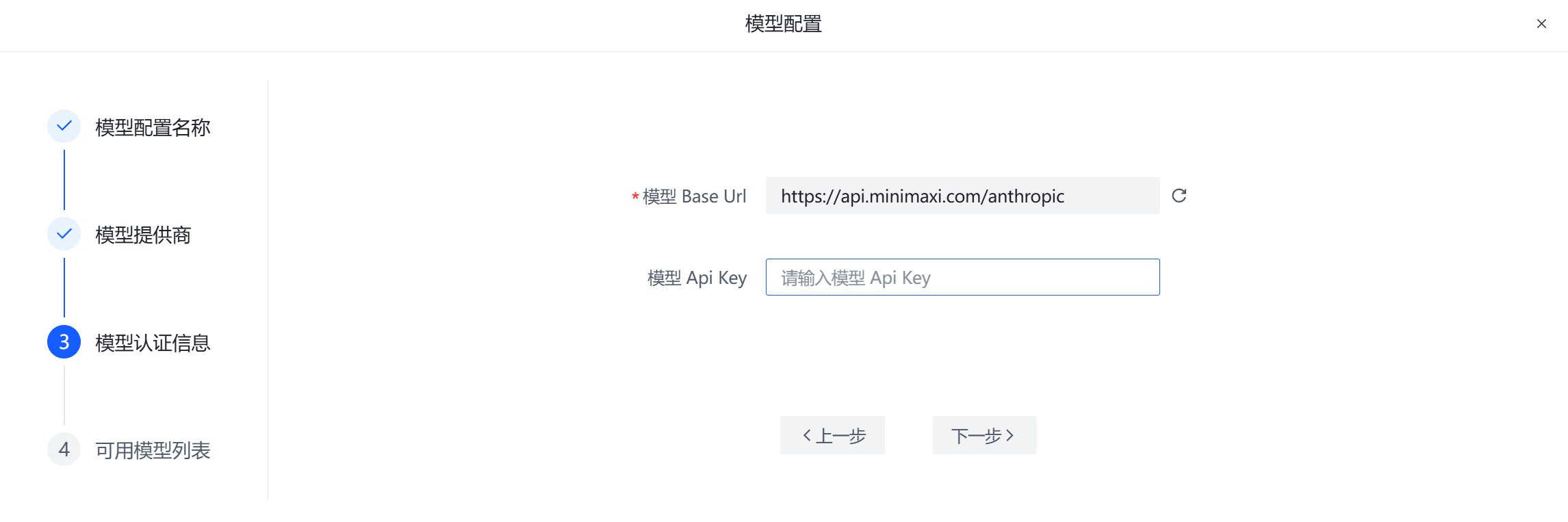
Step 3: Enter base_url and api_key
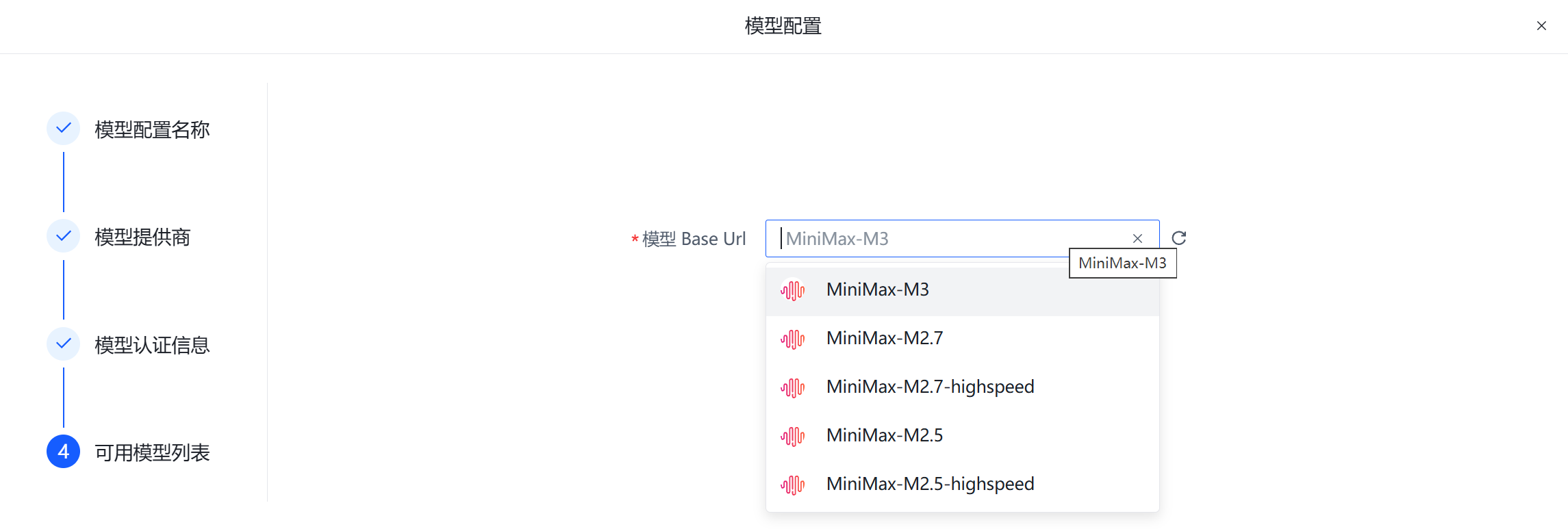
Step 4: Select Model
Supports search
Delete Model Configuration
The delete button can delete existing model configurations without affecting digital employees/coordinators that have already been configured with models.
Model Configuration Initialization
- When entering
Dashboard - Workplaceand no model configuration exists, a model creation guide will pop up. - If a
.hermesdirectory exists in the user directory of theAgBoxservice startup environment and there is an online model configuration, the system will automatically generate a model configuration nameddefault_local_load. - When setting the model configuration for the first time (manual or auto-detected), the model configuration will be automatically applied to both coordinators.