Employee Management
This page provides complete digital employee management.
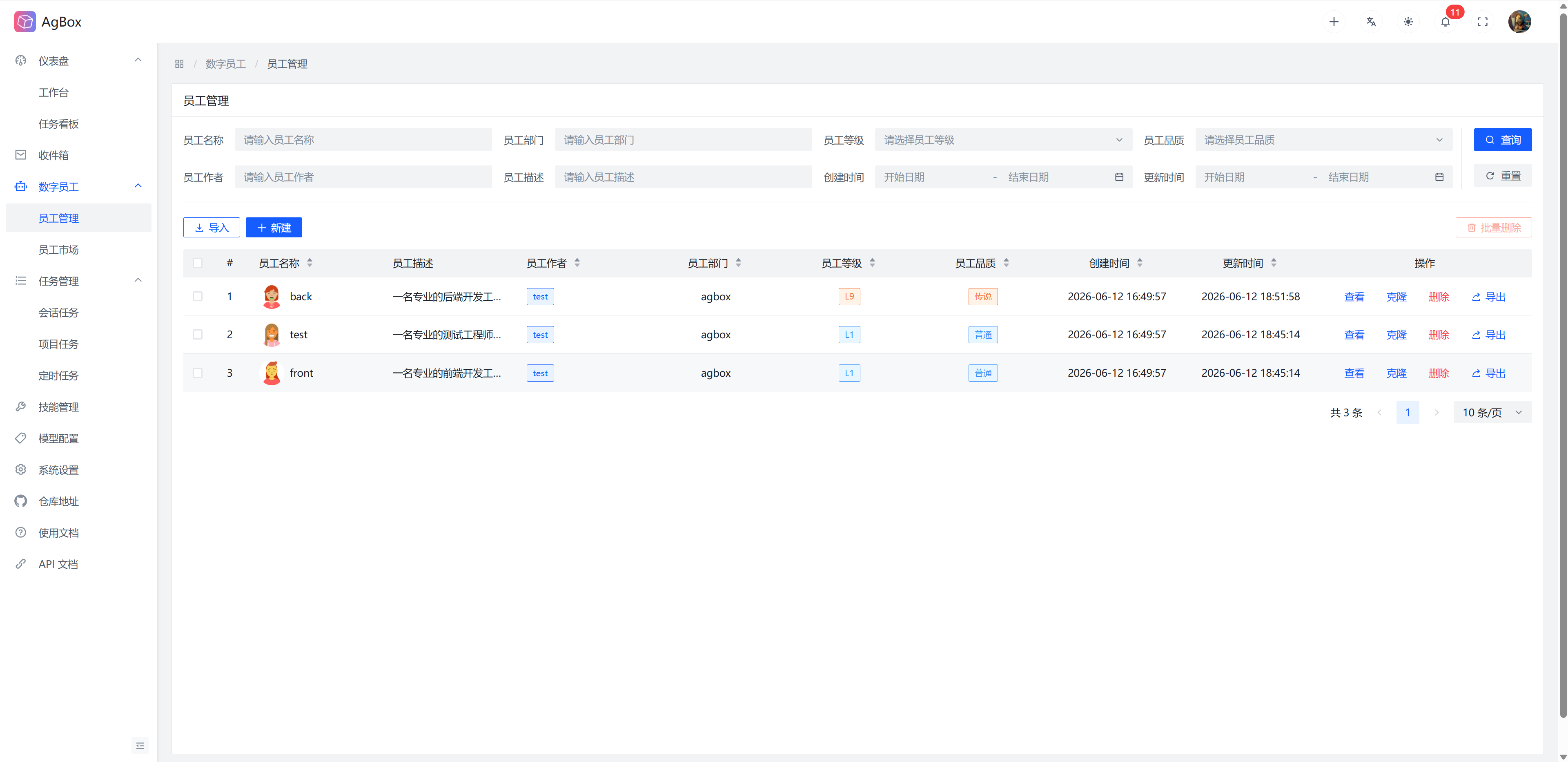
Field Description
Refer to Field Description - Digital Employee
Search & Sort
- Supports searching by
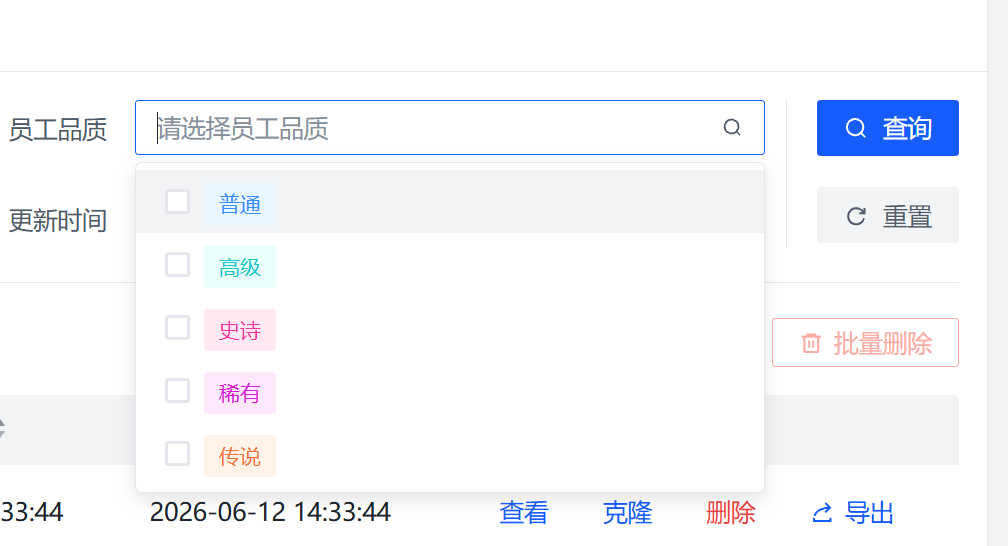
Employee Name,Employee Description,Employee Department,Employee Rank,Employee Quality,Employee Author,Creation Time, andUpdate Timefields.Employee RankandEmployee Qualitysupport multiple selection.
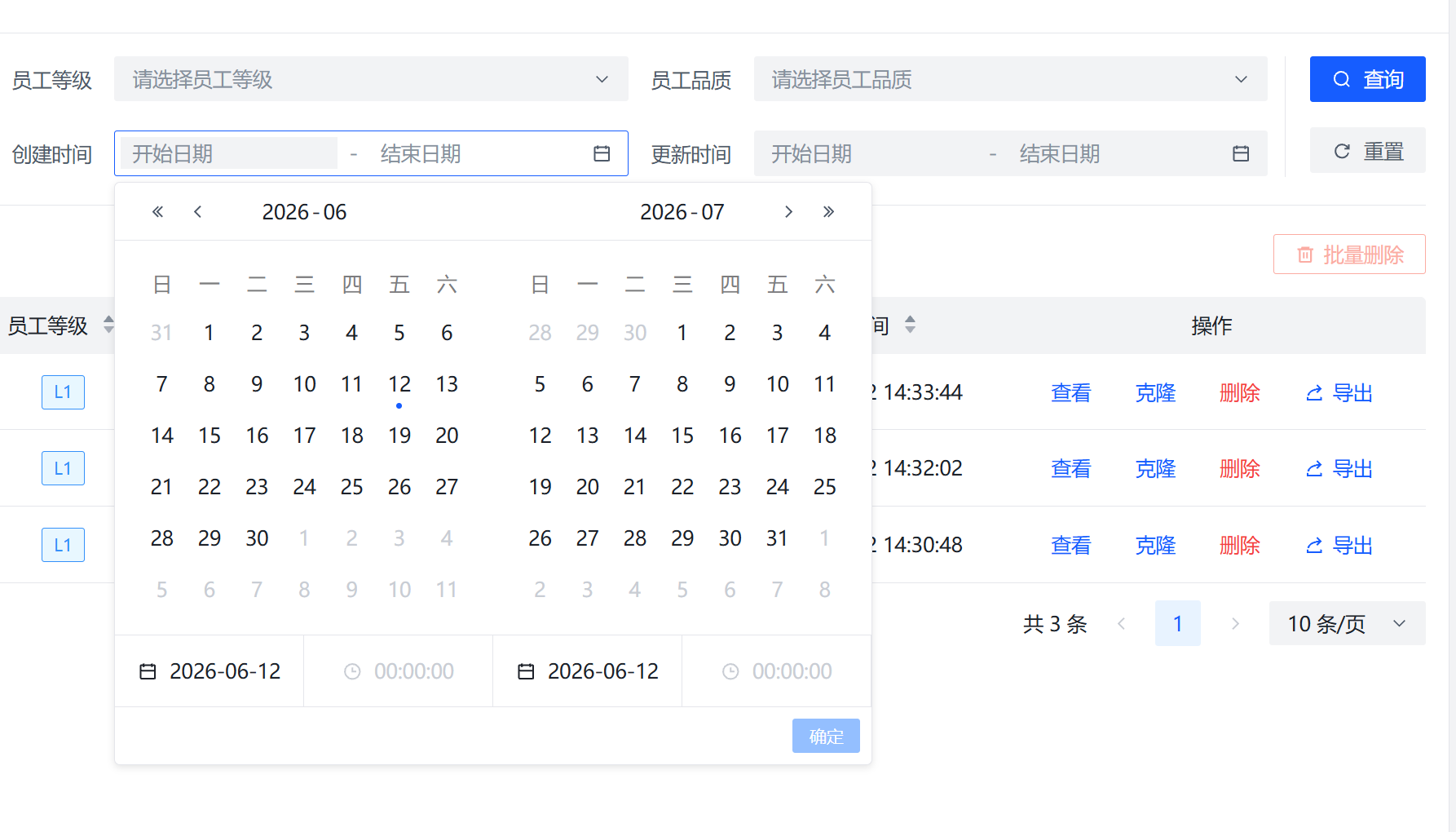
- Supports sorting by
Employee Name,Employee Department,Employee Rank,Employee Quality,Employee Author,Creation Time, andUpdate Timefields.
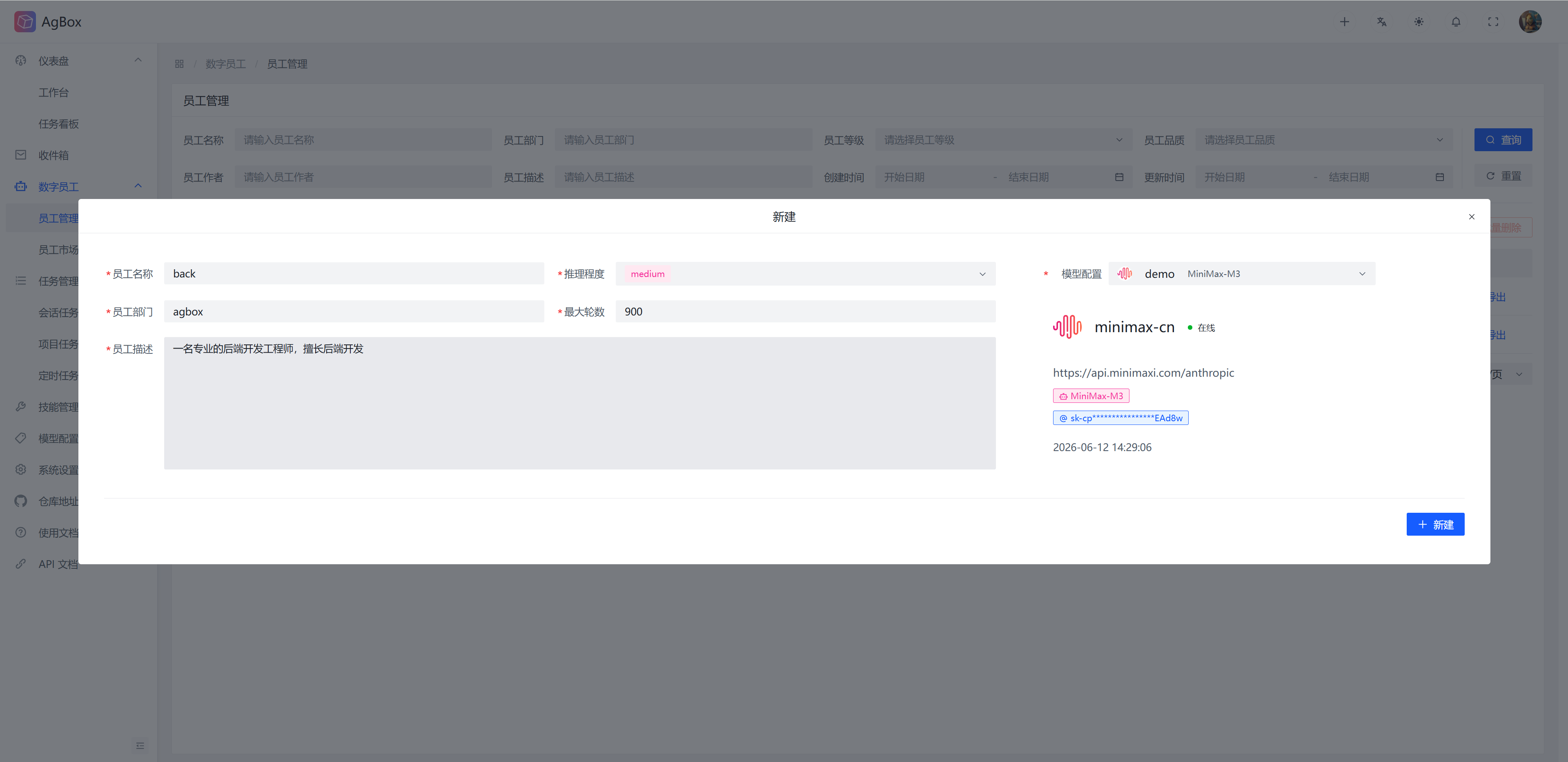
Create Employee
Fill in the corresponding fields and select an existing model configuration to create, model configuration support search.
Reasoning Level:none,minimal,low,medium,high,xhigh. Model reasoning level gradually increases from left to right.Max Rounds: Set the maximum number of rounds for tool calls in the Agent Loop.- Digital employees with the same name cannot be created.
Import Employee
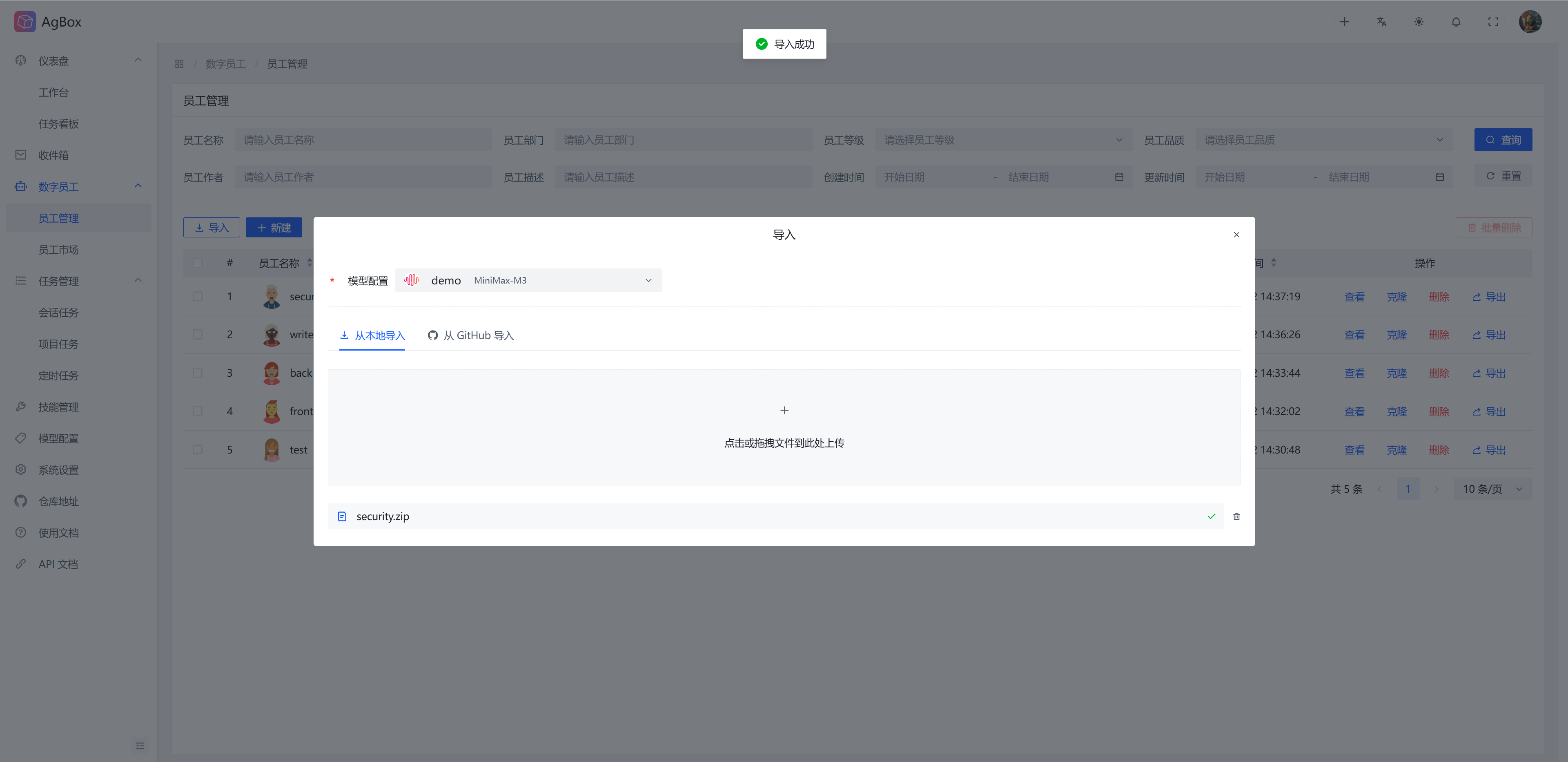
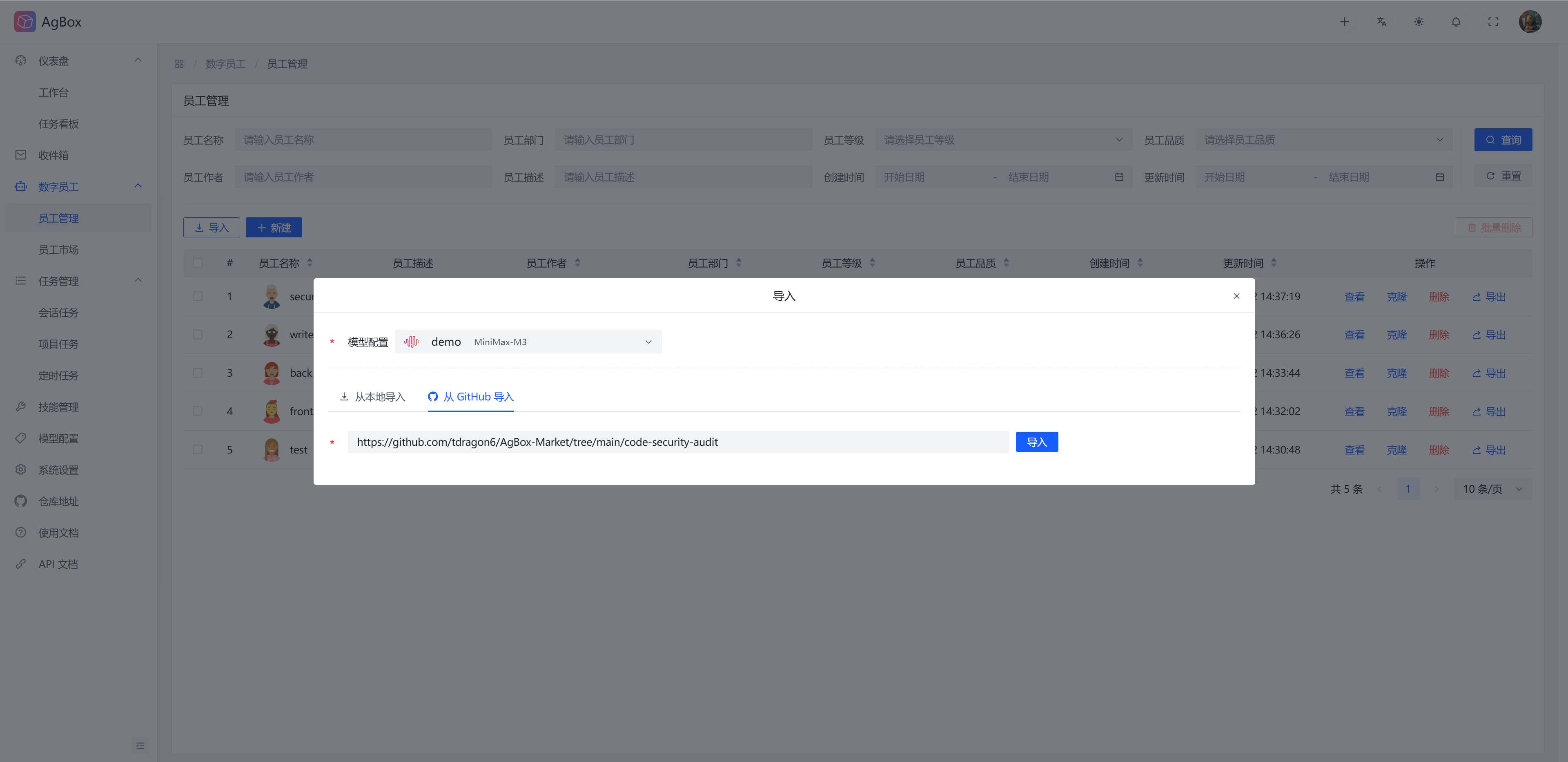
Importing digital employees is divided into Local Import and Import from Github. Select an existing model configuration to import, model configuration support search.
- Digital employees with the same name cannot be imported. Import overwrite behavior, incorrectly formatted digital employees, and whether to install Hermes official skills during import are determined by the configuration in System Settings - Digital Employee.
Local Import: Upload digital employee archive files from local to import. Onlyzipformat is supported. All digital employees that conform to the format in the archive will be automatically identified.
Import from Github: Import digital employees from the Github community. Enter a valid community digital employee repository sub-path. A valid repository sub-path looks like:https://raw.githubusercontent.com/tdragon6/AgBox-Market/tree/main/code-security-audit
View Employee
Employee Information
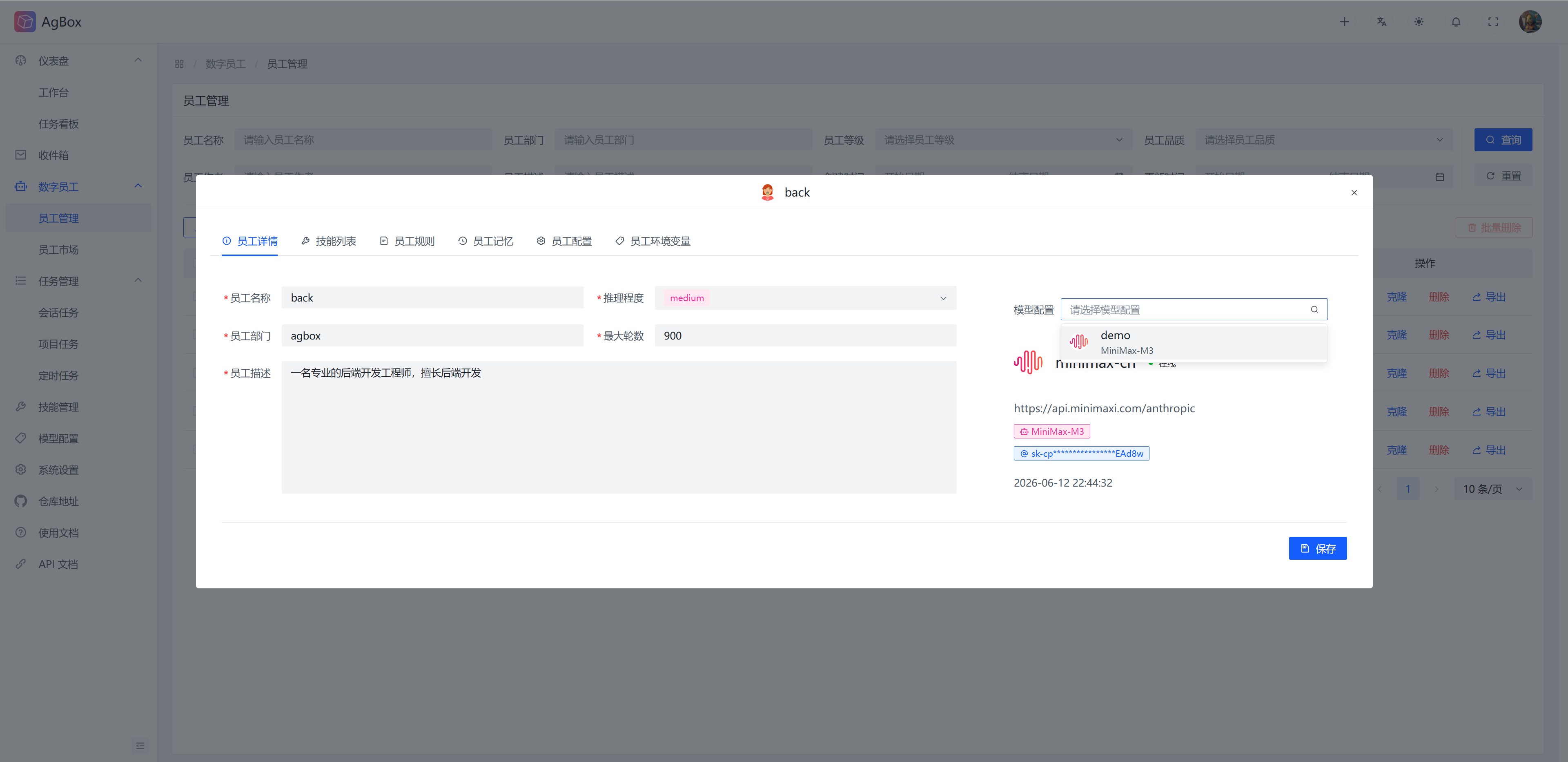
You can view and edit employee information at any time, and modify the corresponding digital employee model configuration.
Employee Skills
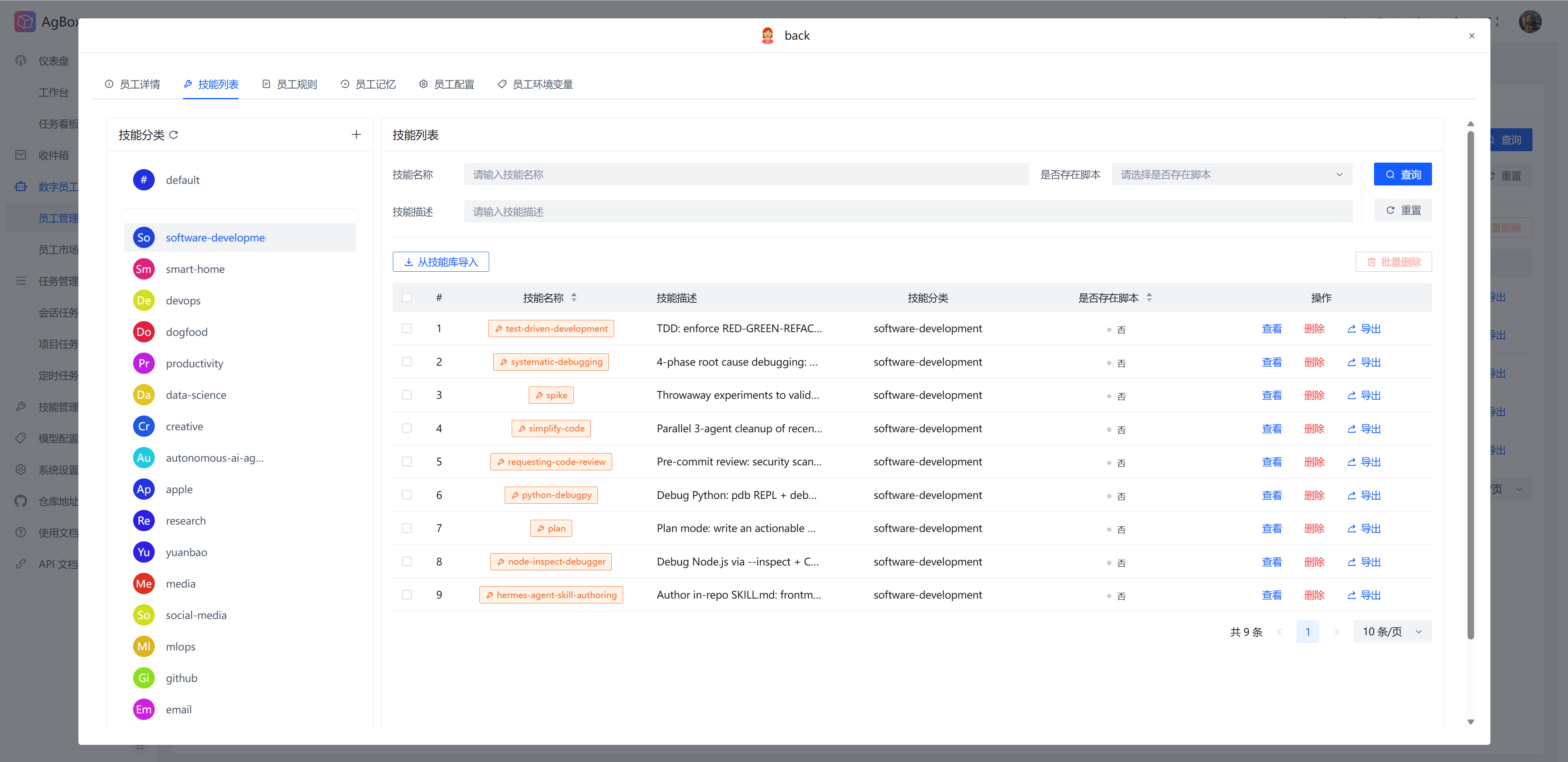
You can manage employee skills and support employee-level skill categories (independent from the skill library and other digital employees). Employee skill management is similar to the skill library. Refer to Skill Management.
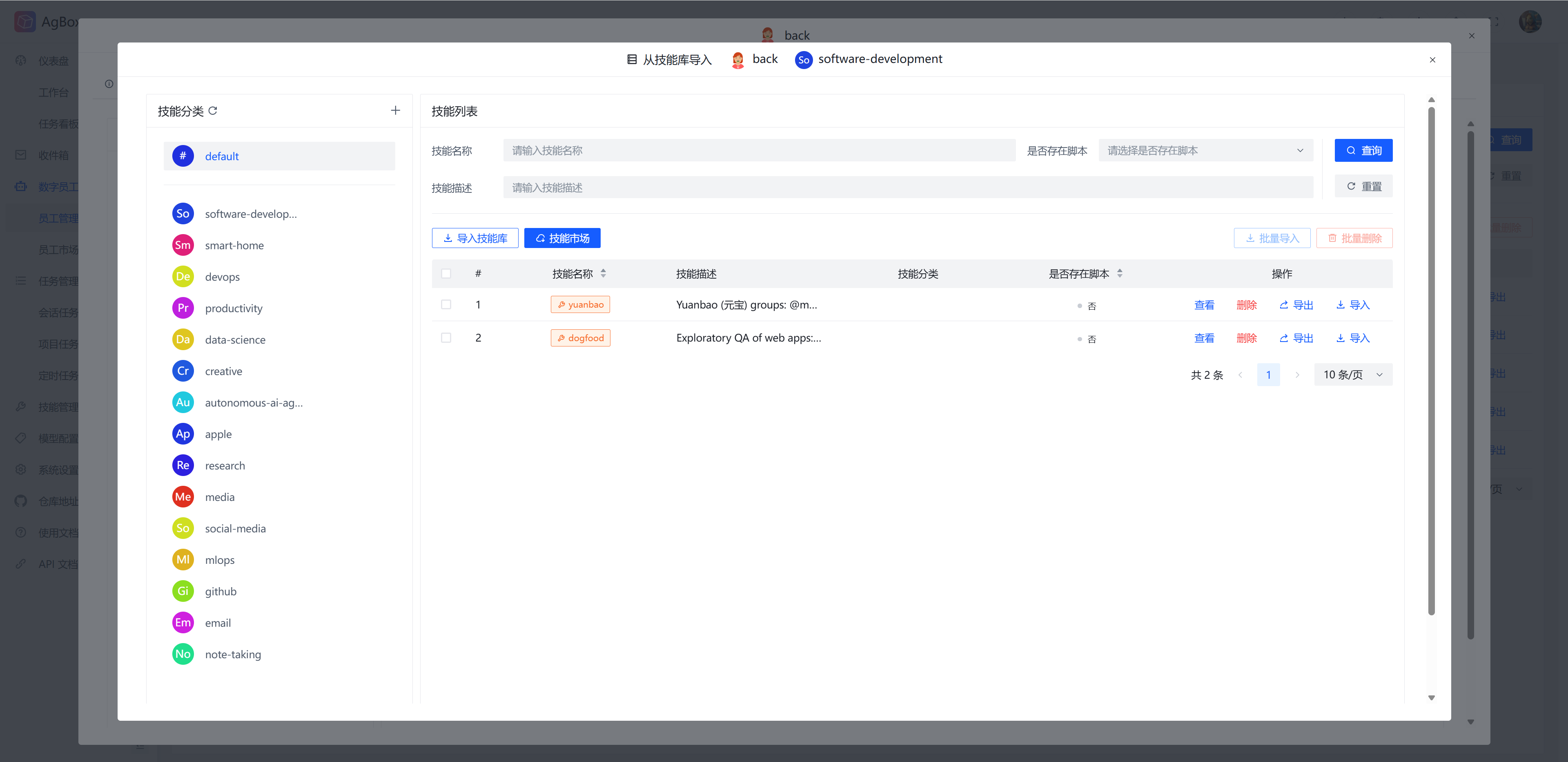
- Supports importing/batch importing skills from the skill library. The import from skill library interface will display the current digital employee to be imported and the directory category at the top. You can also directly manage the skill library on this page.
Employee Rules
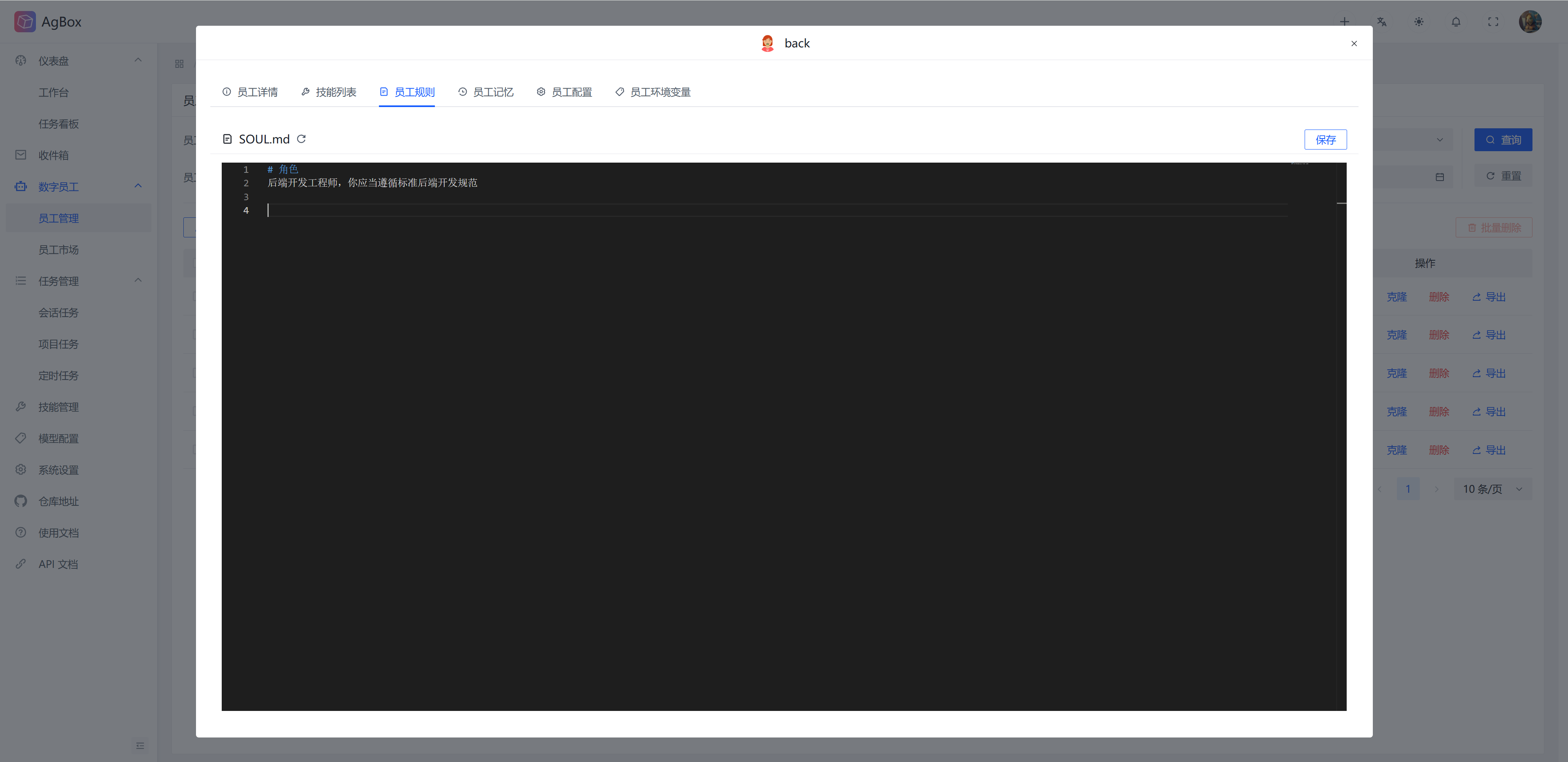
The context rules that digital employees should follow when working. This is convenient for management. hermes-agent uses the built-in soul.md. Supports viewing and editing. Supports Ctrl + C or Command + C shortcuts.
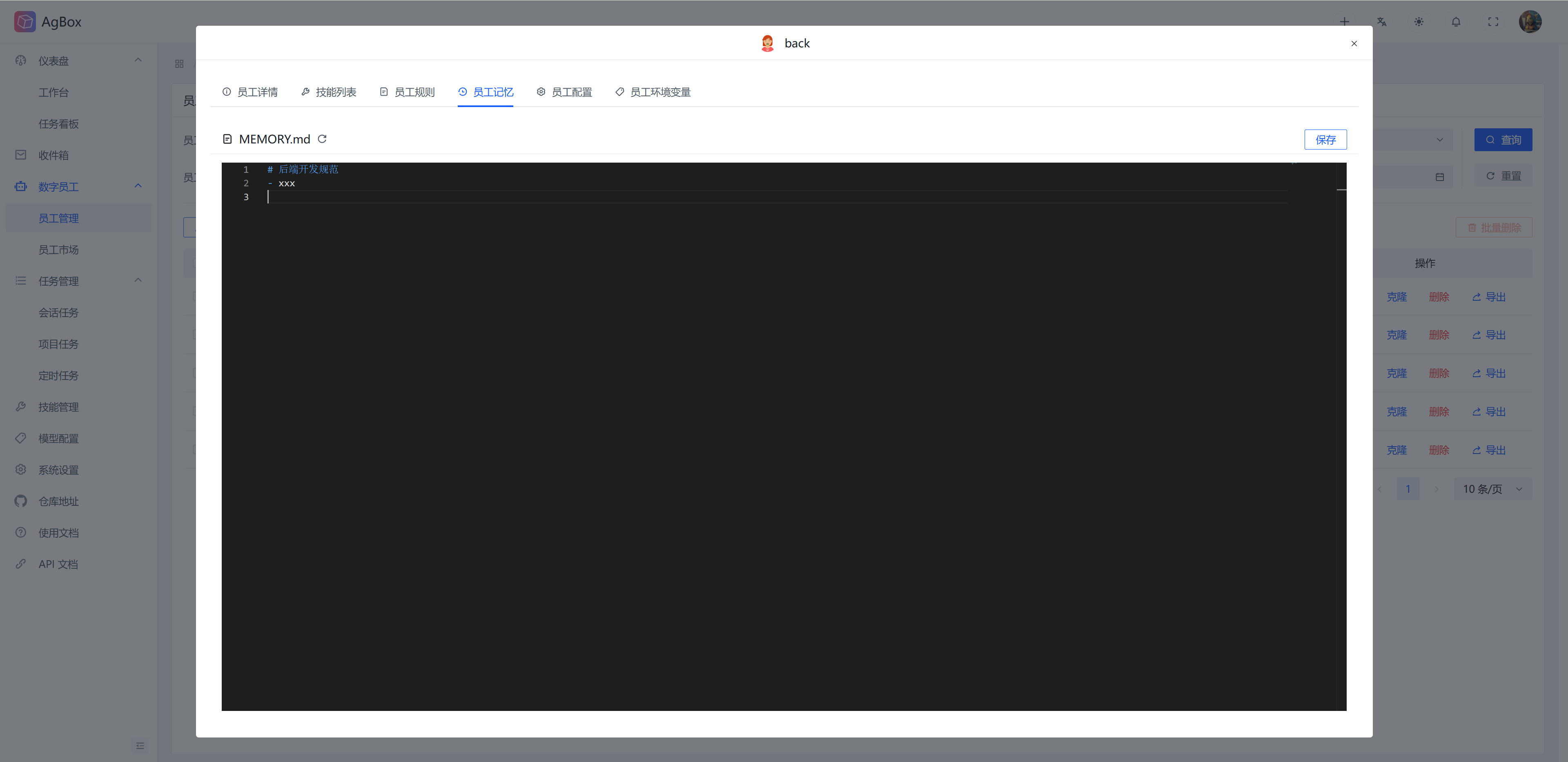
Employee Memory
The memory content accumulated by digital employees during work. Supports viewing and editing. Supports Ctrl + C or Command + C shortcuts.
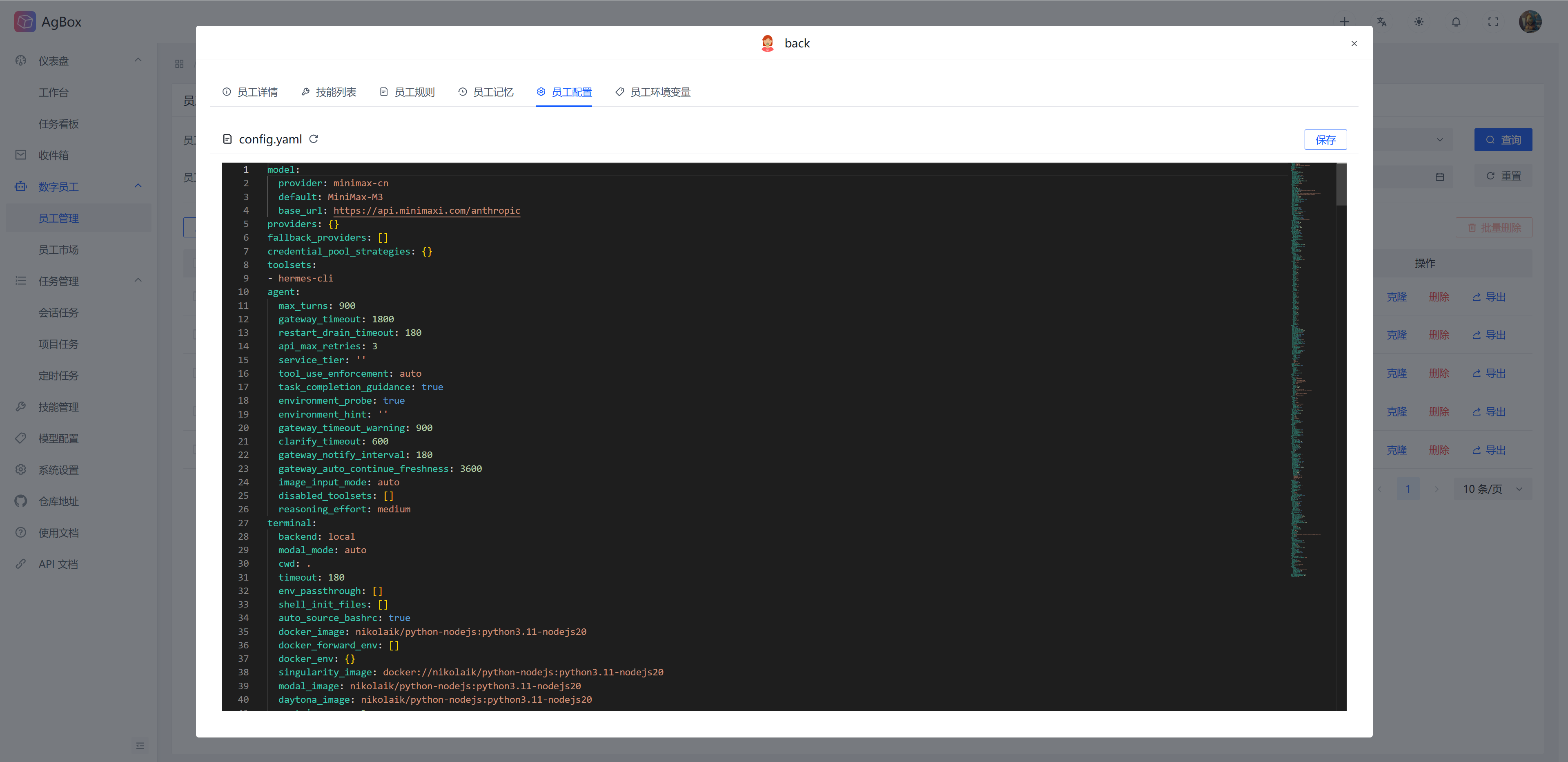
Employee Configuration
Digital employee configuration content. hermes-agent corresponds to config.yaml. Supports viewing and editing. Supports Ctrl + C or Command + C shortcuts.
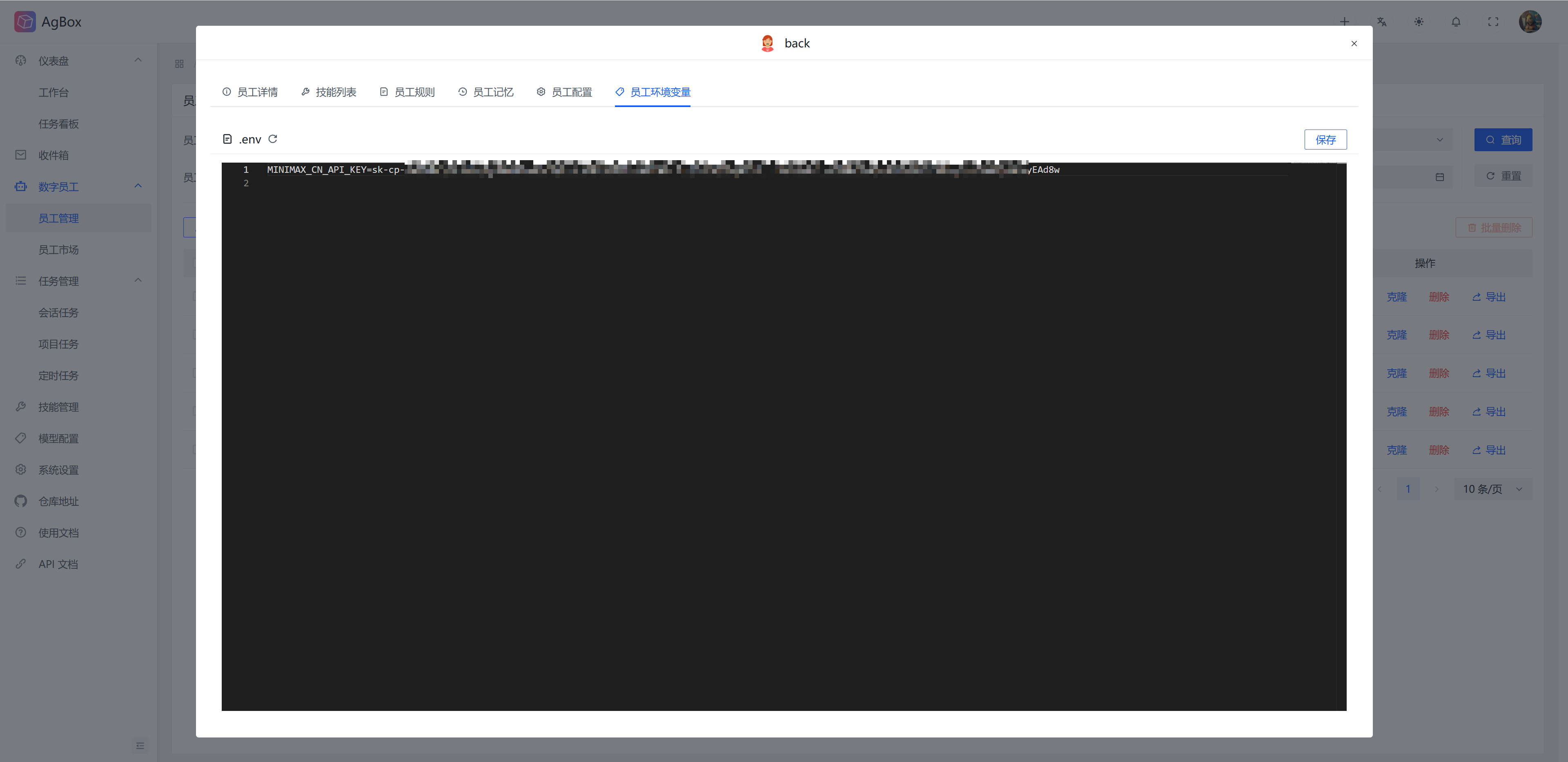
Employee Environment Variables
Digital employee environment variable content. hermes-agent corresponds to .env. Generally stores model keys and other information. Supports viewing and editing. Supports Ctrl + C or Command + C shortcuts.
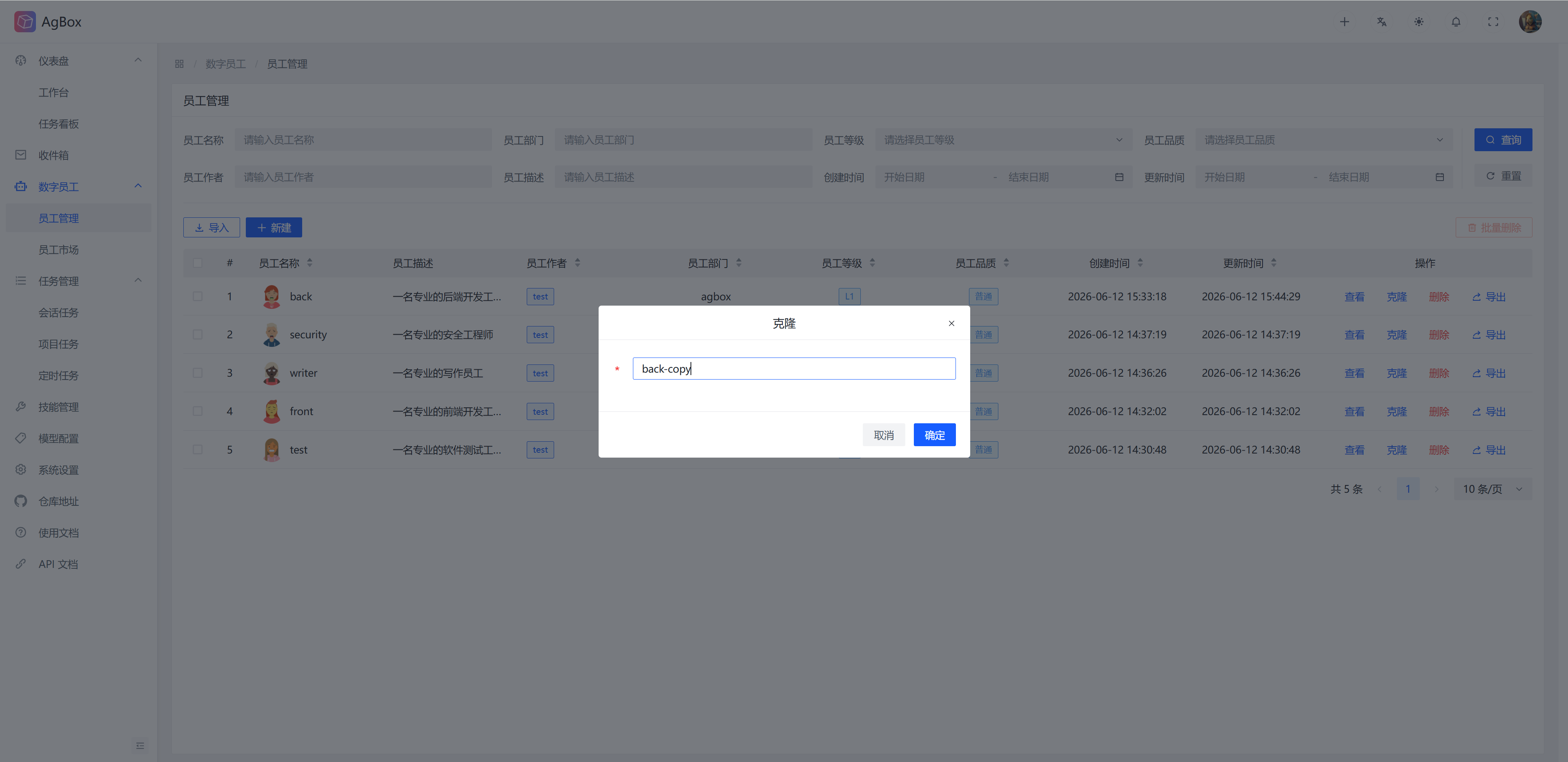
Clone Employee
Enter a new digital employee name to copy an existing digital employee. The new employee will inherit all employee information, skills, rules, memory, and configuration content.
Delete Employee
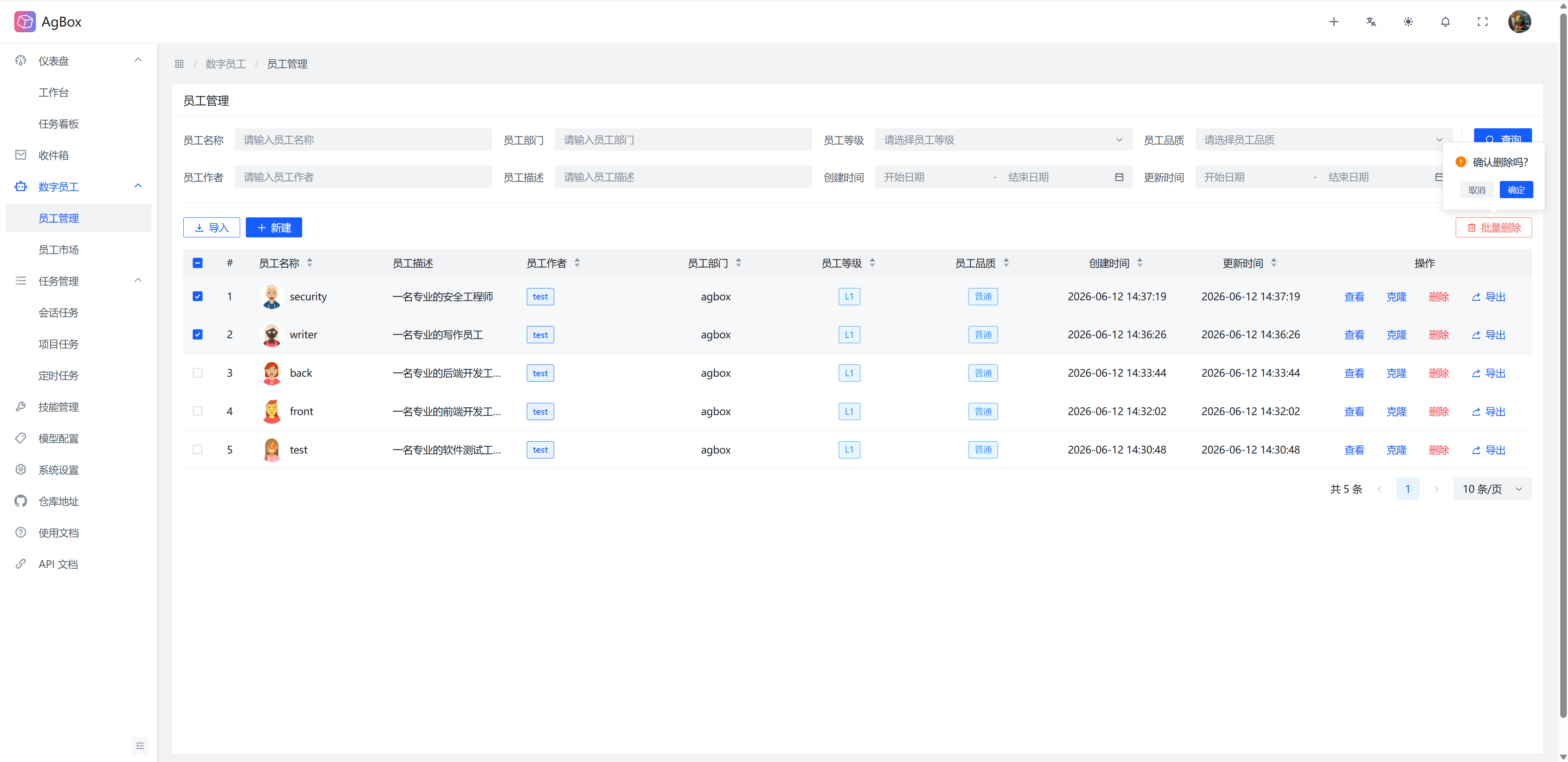
Supports deleting/batch deleting digital employees. When deleting, the following will be synchronized:
- Delete corresponding session tasks and delete session task working directories
- Delete digital employee records in project tasks
- Delete digital employee records in projects
- Delete related inbox notifications
- Digital employees with running/waiting tasks and existing scheduled session tasks cannot be deleted.
Export Employee
Supports exporting digital employees to local in zip archive format. Only non-sensitive configuration content such as employee information, skills, rules, and memory will be exported. The local digital employee's configuration and env files will not be exported. Safe to distribute after export.
Employee Avatar
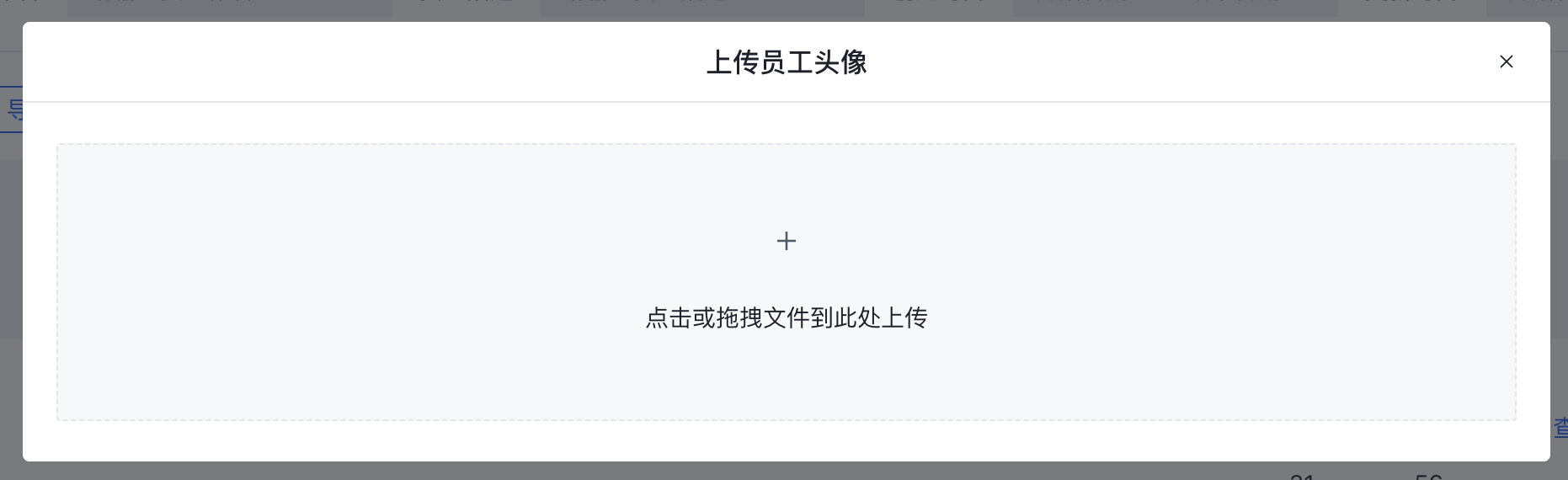
Supports uploading digital employee avatars. Avatars only support png format. Click the digital employee avatar in the table record to open the upload page.