Session Task
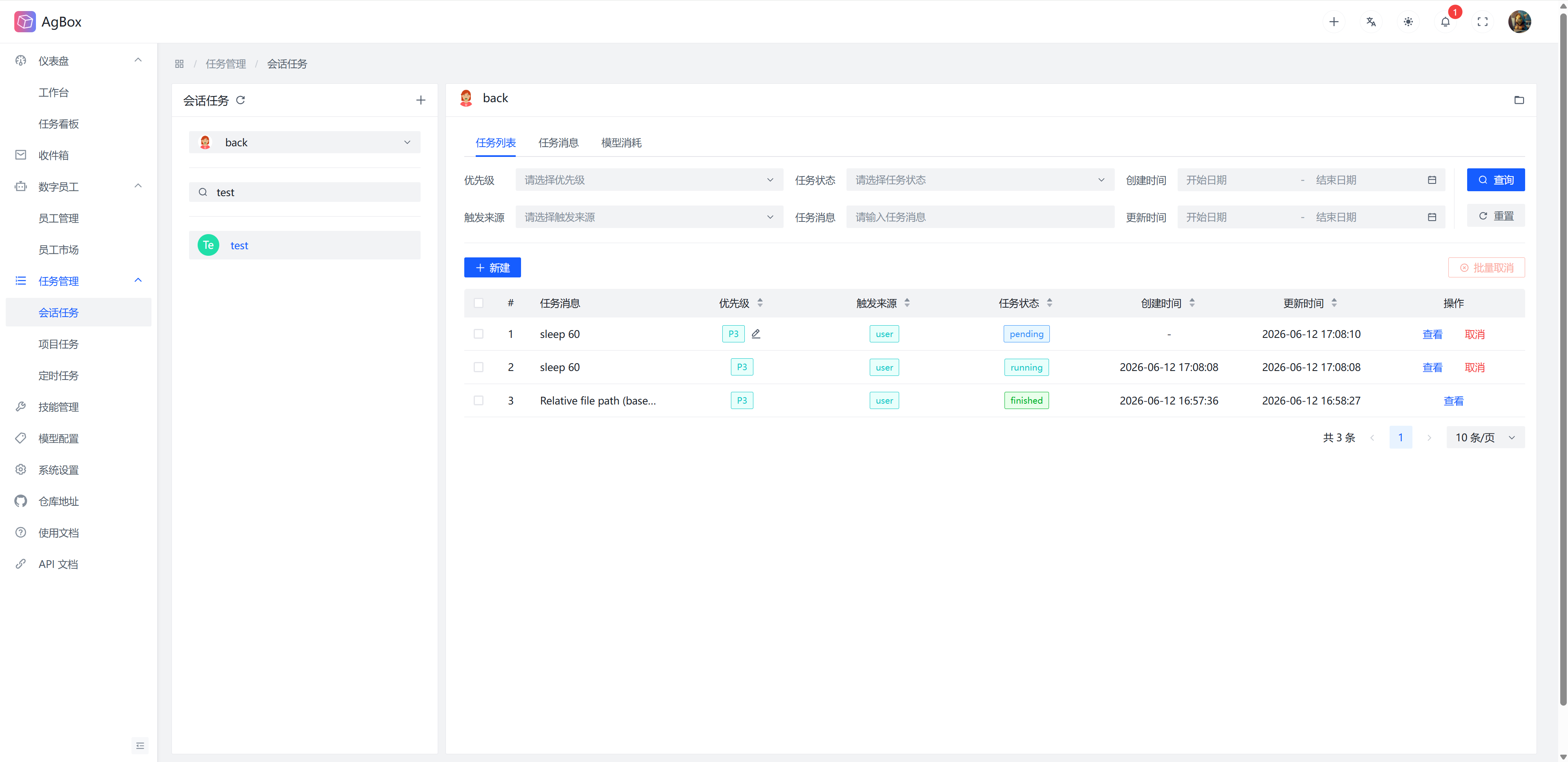
This page provides complete session task management.
Field Description
Refer to Field Description - Task List
Interface Layout
- The left side displays all sessions of the selected digital employee (excluding sessions where the coordinator schedules digital employees to execute in project tasks).
- The right side displays the
Task List,Task Message, andModel Consumptioncontent of the corresponding session of the selected digital employee, switchable via tabs.
Search & Sort
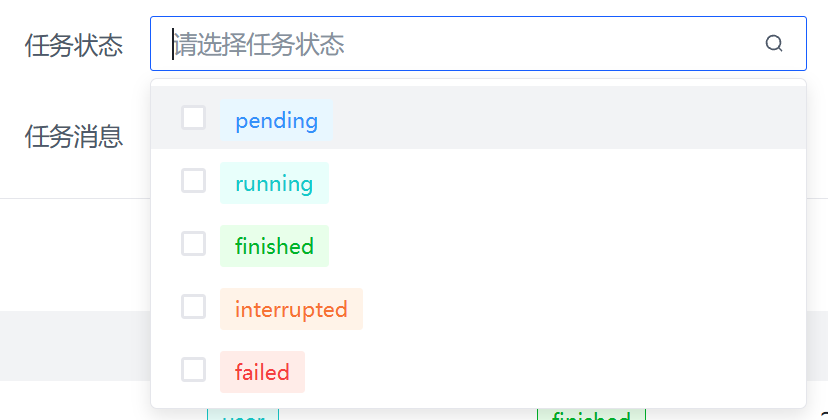
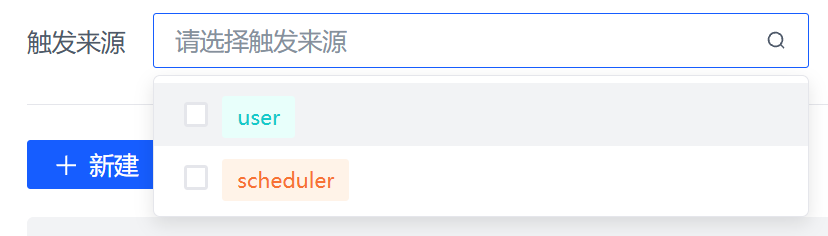
- Supports searching by
Task Message,Priority,Trigger Source,Task Status,Creation Time, andUpdate Timefields.Priority,Trigger Source, andTask Statussupport multiple selection.
- Supports sorting by
Priority,Trigger Source,Task Status,Creation Time, andUpdate Timefields.
Session List
- The
+icon can create a new session. - The dropdown menu can select the digital employee whose session you want to view, supporting search.
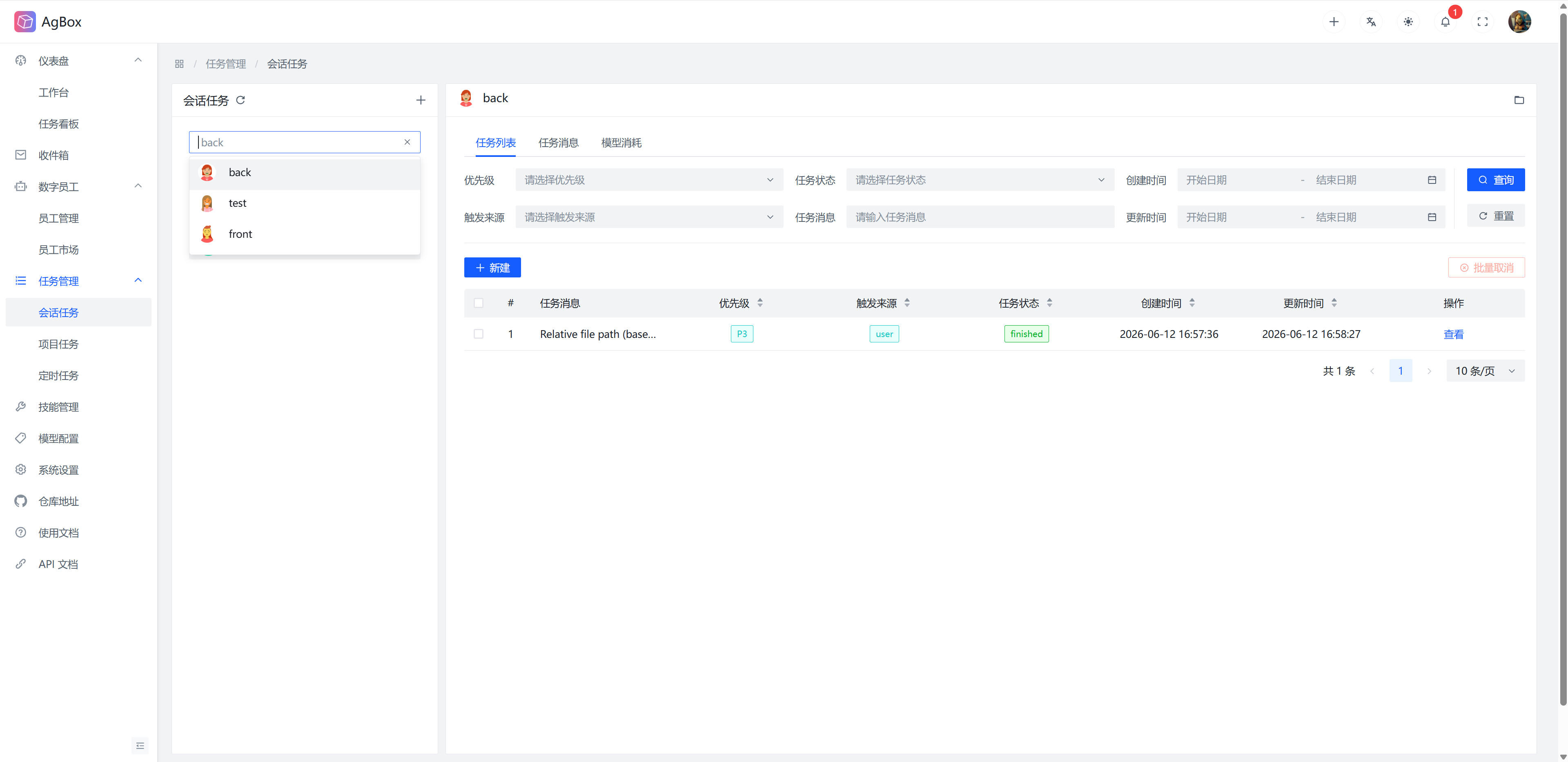
- The search input box supports searching by session title.
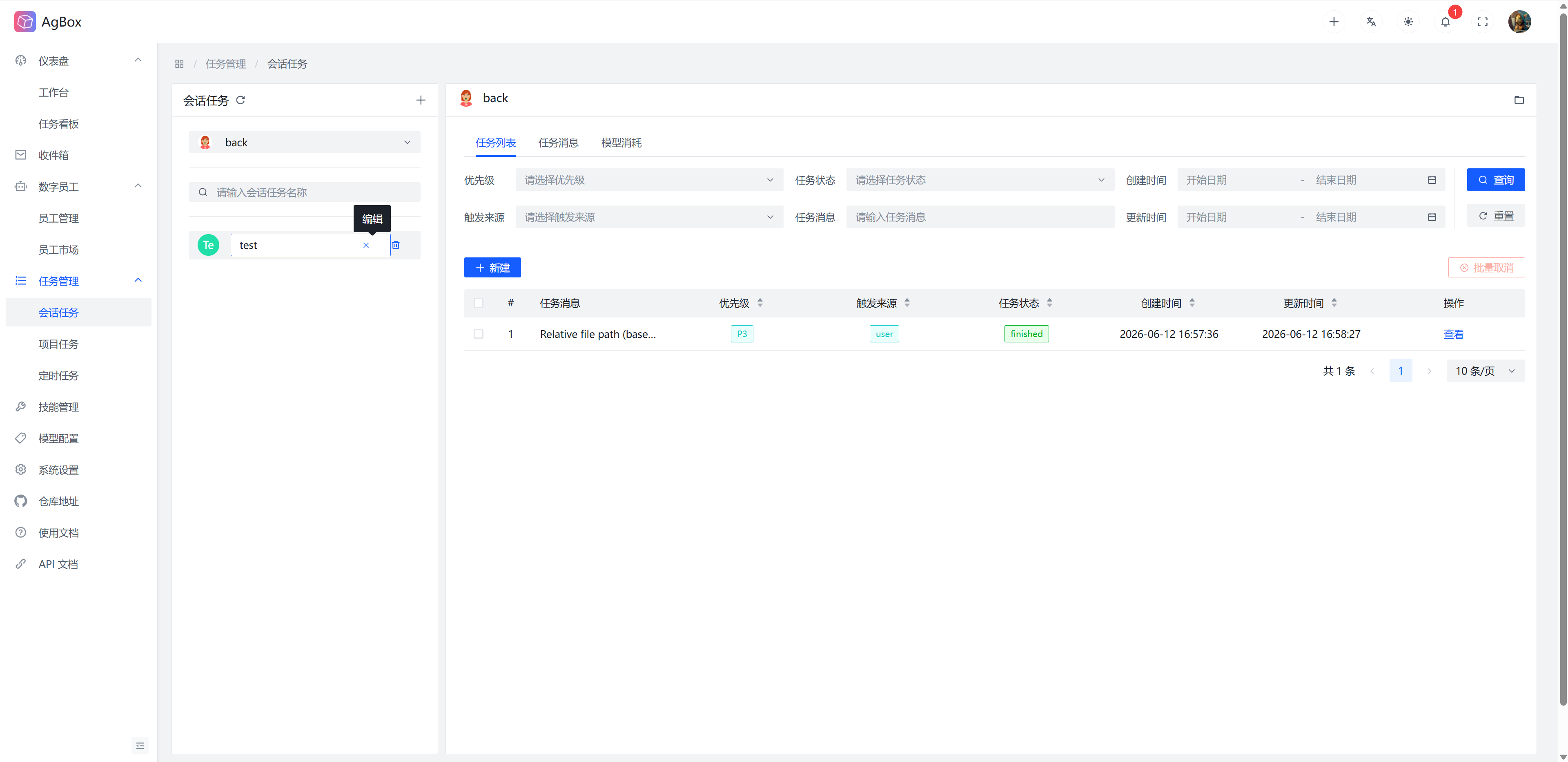
- Hover the cursor to display edit and delete buttons.
- The edit button can rename the session. Press Enter or lose focus to auto-save. Press Esc to discard editing.
- The delete button deletes the session and cleans up the corresponding working directory.
- Sessions with running/waiting tasks or mounted scheduled tasks cannot be deleted.
Task List
Create Task
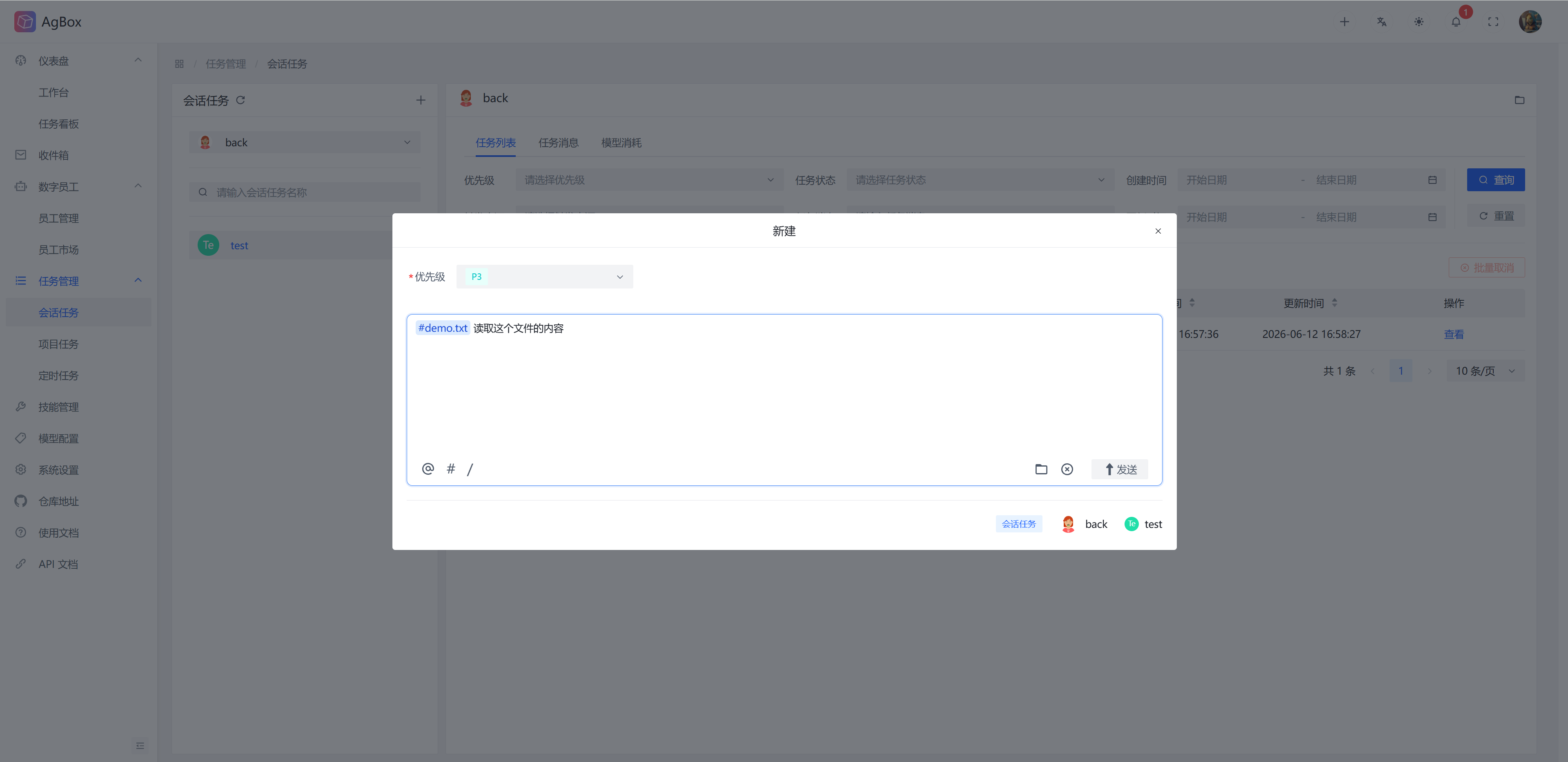
- For usage, refer to Top Menu - Create Task.
- This automatically identifies the corresponding digital employee and session, eliminating the need to select between
Session TaskandProject Taskin the quick create task box.
Modify Priority
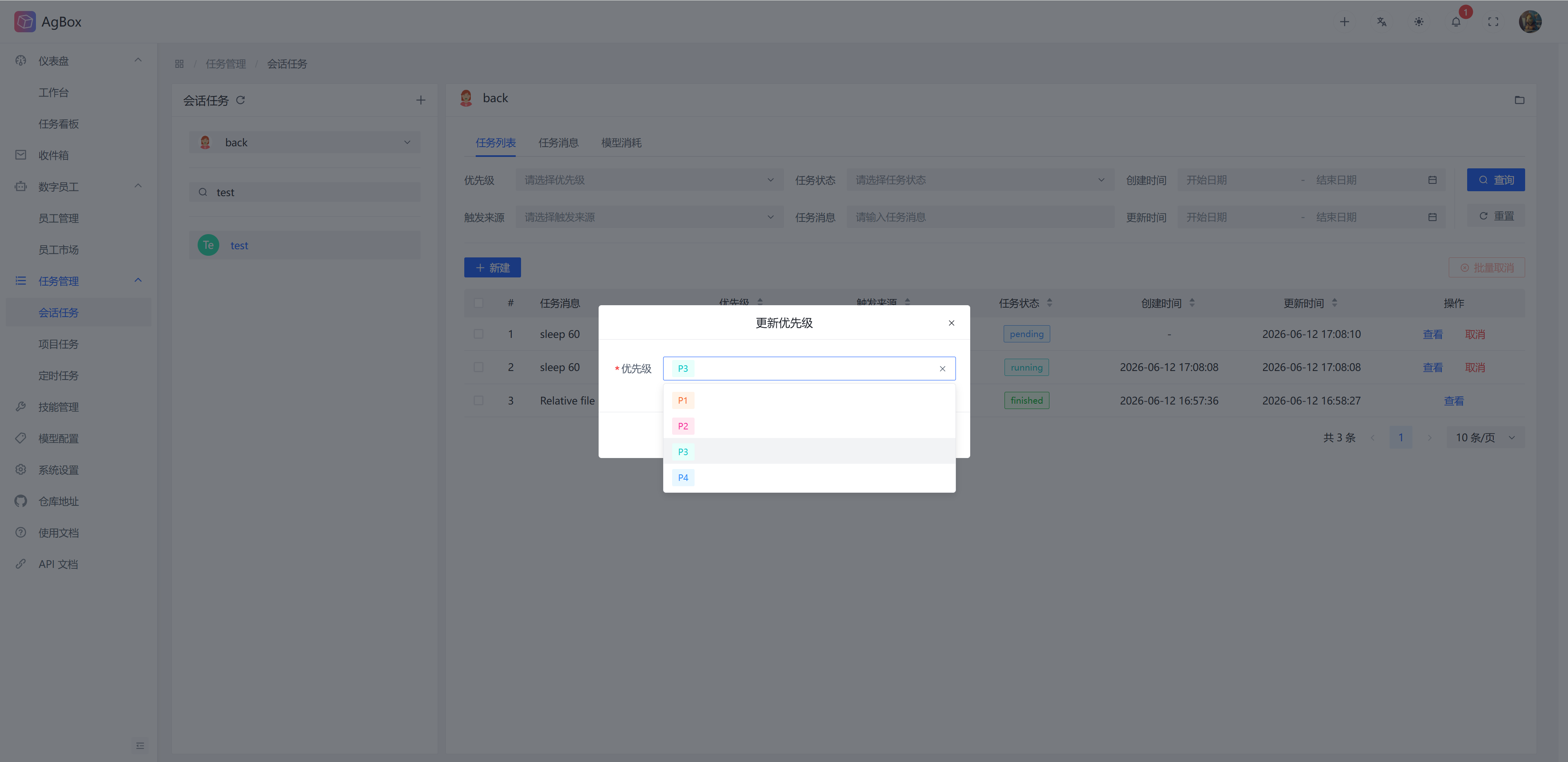
If the task is in pending status, an edit icon will appear in the Priority column of the table. You can modify the priority of this task.
View Task
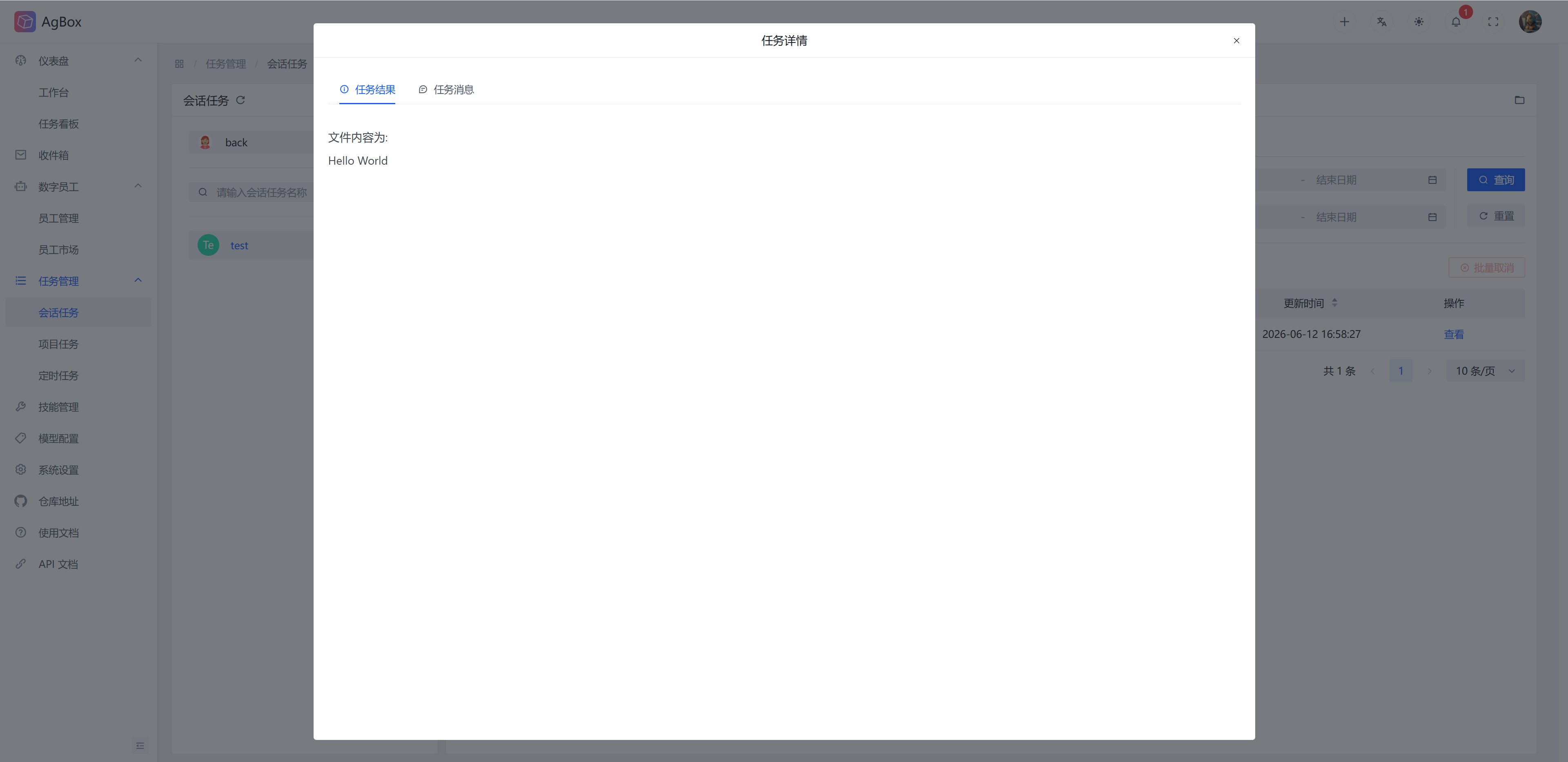
Viewing tasks is divided into Task Result and Task Message, switchable via tabs.
Task Result
View the execution result of this task, rendered in markdown format.
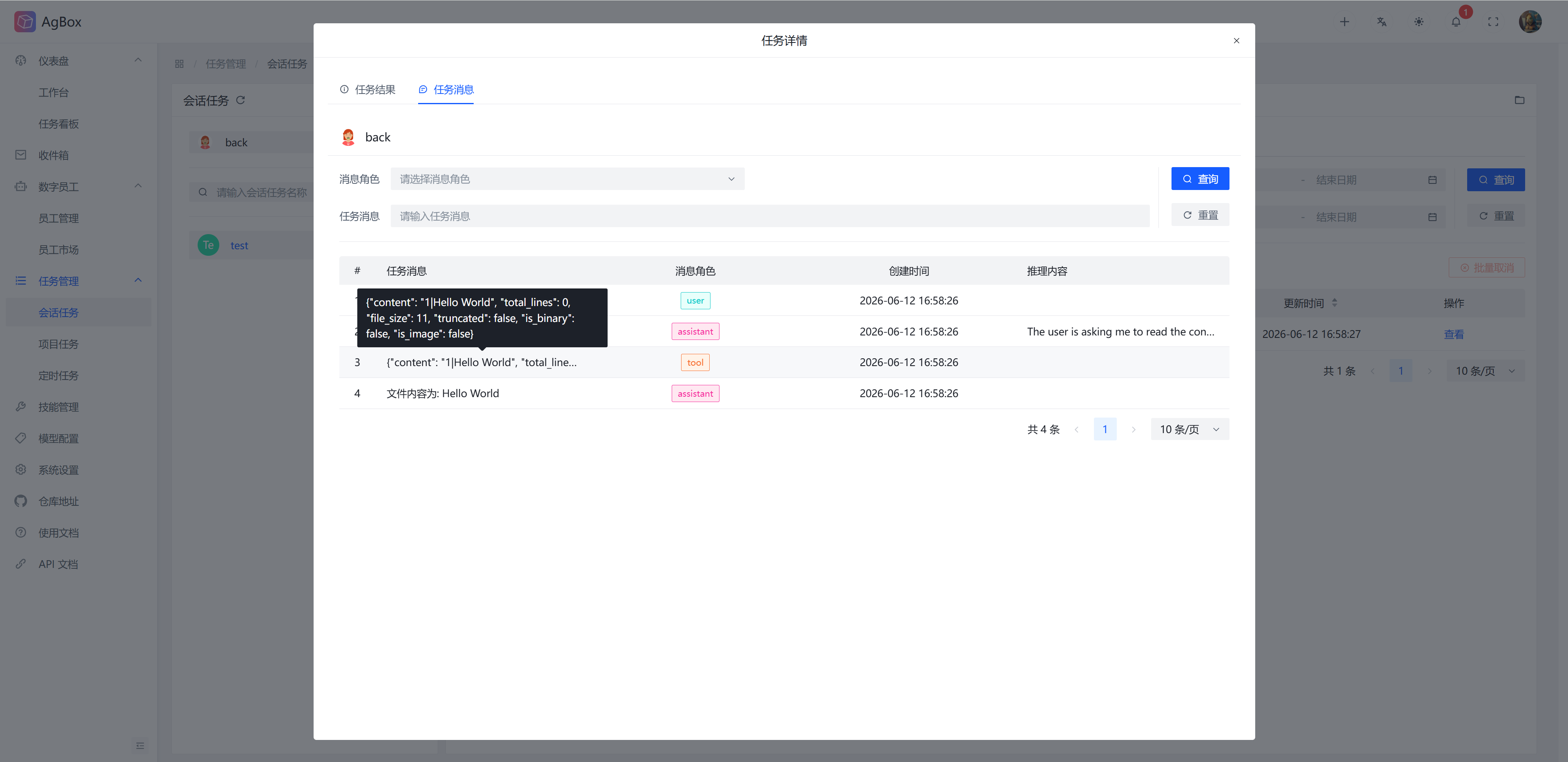
Task Message
This displays the message list of the corresponding digital employee, corresponding session, and corresponding task (current task).
- For field meanings, refer to Field Description - Task Message.
- Supports
Message RoleandTask Messagesearch, whereMessage Rolesupports multiple selection.
Cancel Task
Supports cancelling/batch cancelling tasks. Only tasks in pending or running status can be cancelled.
pending: Delete the task record directly.running: Send a signal to stop all involved process groups, update the task status to:interrupt.
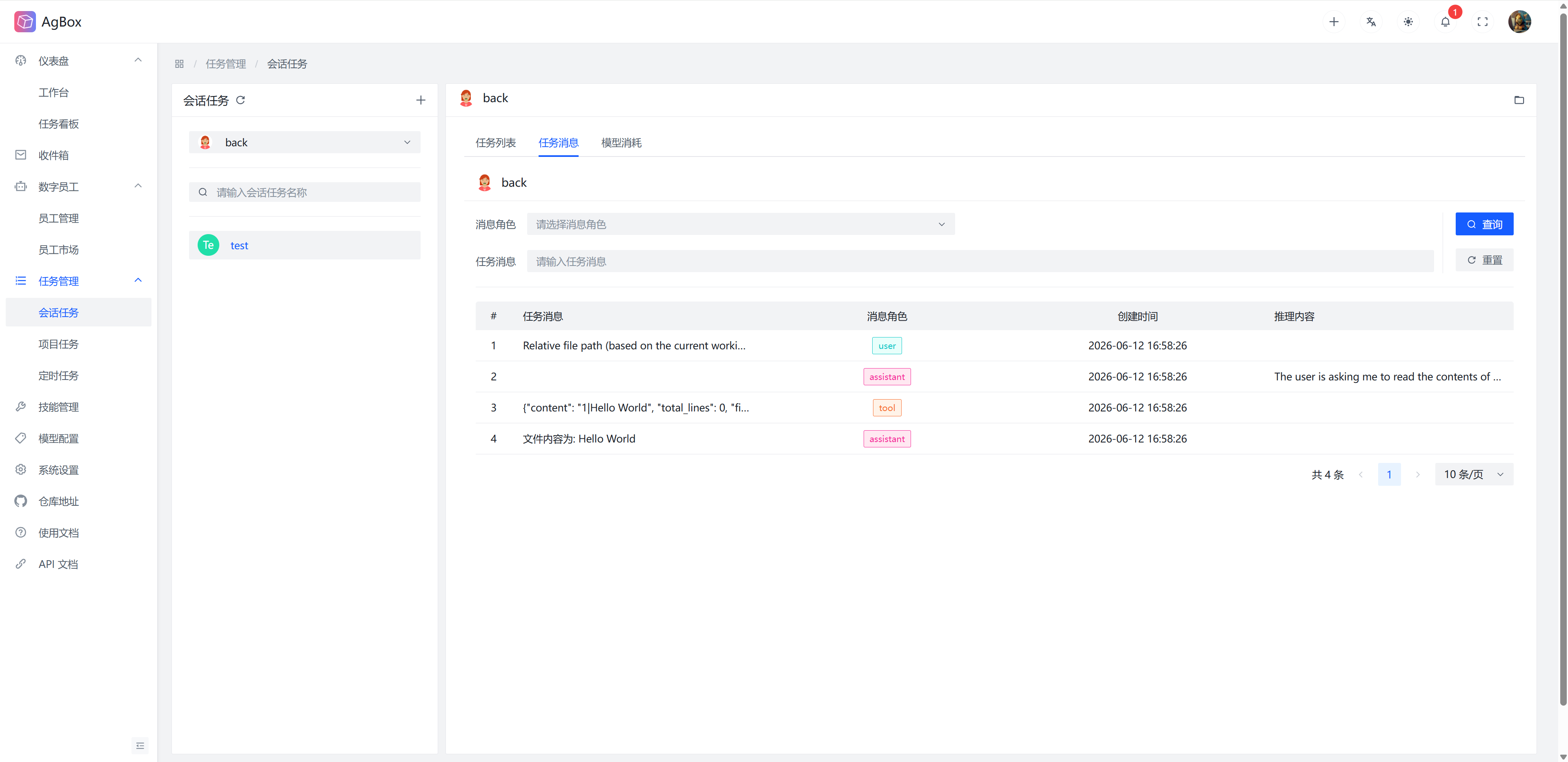
Task Message
This displays the full message list (all tasks) of the corresponding digital employee and corresponding session.
- For field meanings, refer to Field Description - Task Message.
- Supports
Message RoleandTask Messagesearch, whereMessage Rolesupports multiple selection.
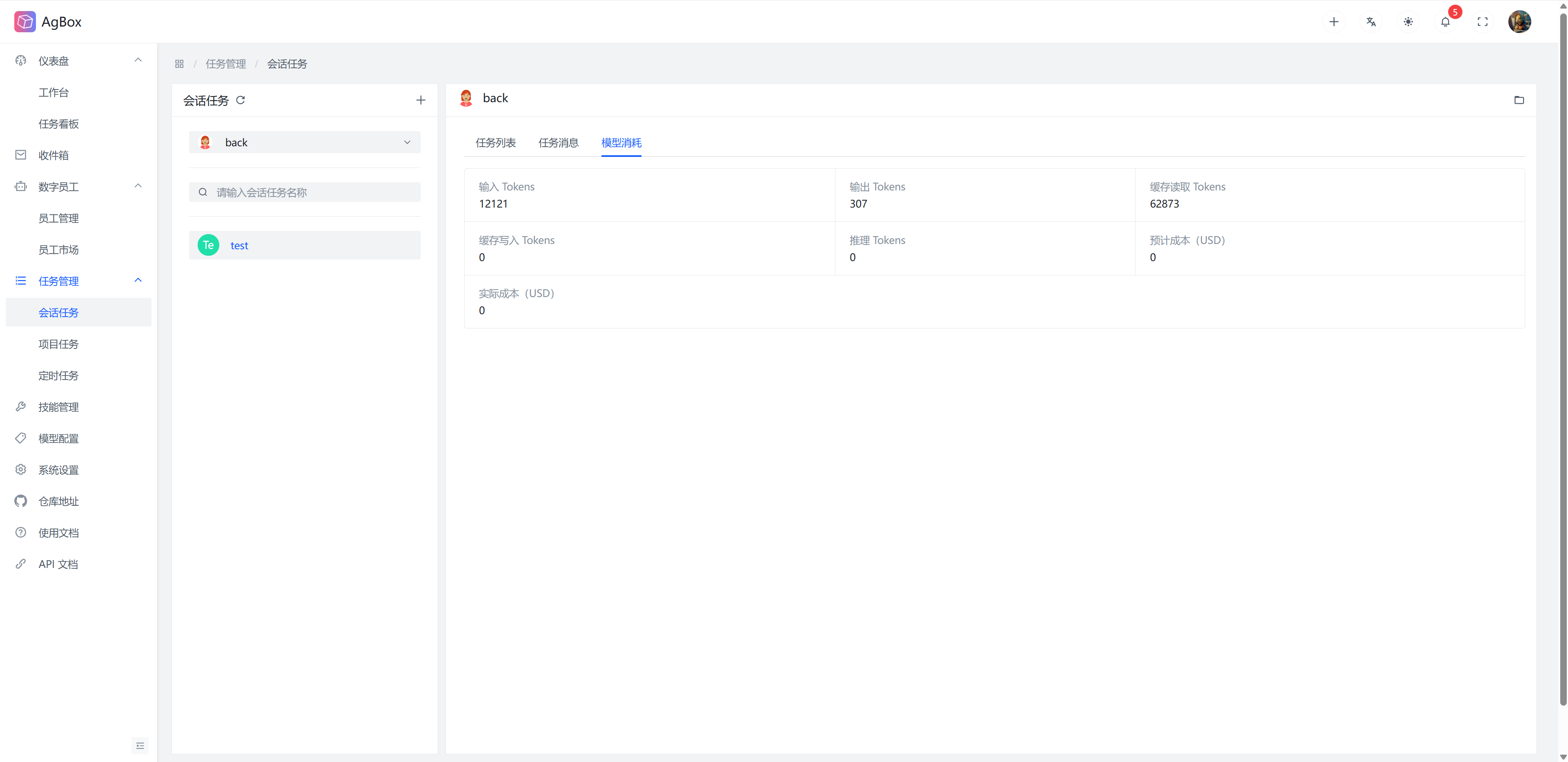
Model Consumption
Statistics of the total model consumption for the corresponding digital employee and corresponding session.
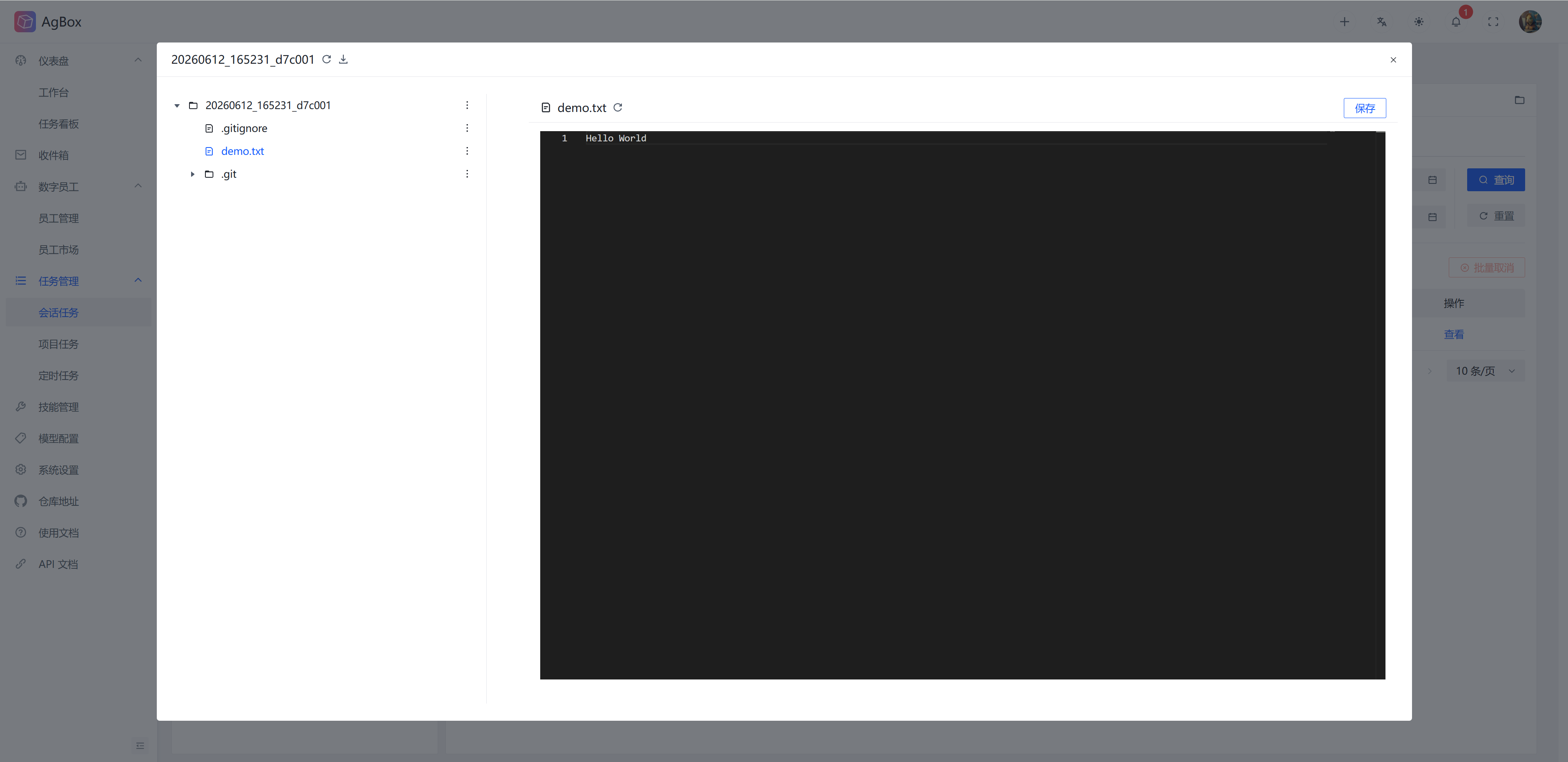
Workspace
The Folder icon in the upper right corner can open the workspace of the current digital employee and current session. For usage, refer to Top Menu - Create Task - Workspace.